Paprika Recipe Manager Cost: Every Device Compared
· CookBuddy
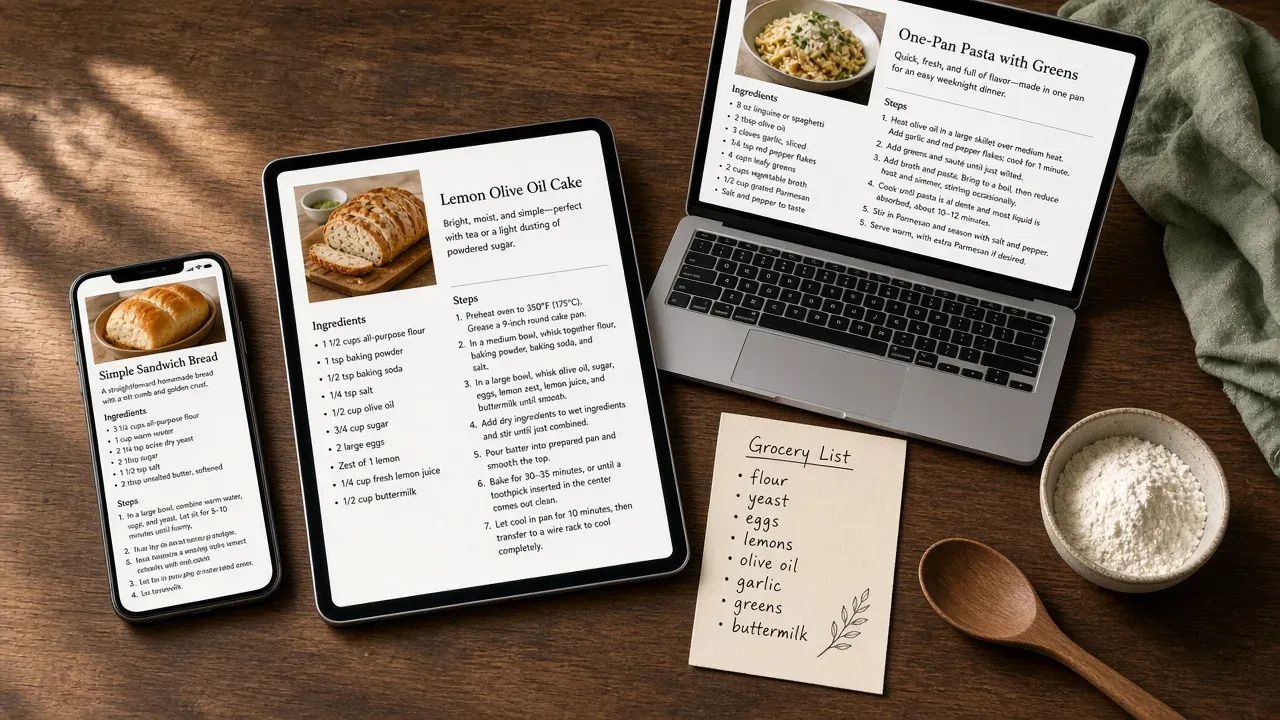
Paprika Recipe Manager used one-time pricing for years, but the sticker price was only part of the story: each platform (iOS, Mac, Windows, Android) was a separate purchase, and syncing between them required buying each one. That is the Paprika 3 math this guide still answers. Paprika 4, released November 6, 2026, replaced that model with a free download and an optional Premium subscription that covers every device. US list prices below are labeled by version so you can tell what you would have paid for version 3 versus what the stores charge now.
Key takeaways
- Paprika Recipe Manager 3 used one-time pricing: $4.99 on iPhone/iPad and Android, $29.99 on Mac and Windows.
- One iOS purchase covered iPhone and iPad; Mac, Windows, and Android were separate, so a phone-plus-Mac setup cost $34.98, and there was no all-device bundle for version 3.
- Paprika 4 is free to download on every platform. New users get 50 recipes on one device; Premium is $14.99/year ($9.99/year if you owned Paprika 3) and covers iPhone, iPad, Mac, Android, and Windows.
- Sync on Paprika 3 was included on devices you owned. On Paprika 4, new users need Premium for sync; Paprika 3 owners keep unlimited recipes and sync on Standard for free.
- Over three years, Paprika 3's one-time price and Paprika 4 Premium both beat CookBuddy at $3.99/month or $35.99/year. CookBuddy still wins if you want video-to-recipe on a phone without Paprika's desktop stack.
What does Paprika Recipe Manager 3 cost on each platform?
Paprika Recipe Manager 3 was a one-time purchase, and the price depended on your device: $4.99 on iPhone and Android, $29.99 on Mac and Windows. You bought each version separately from the App Store, Google Play, or the company's own store, and there was no bundle that covered every device at once.
That listing is no longer how new buyers pay. On November 7, 2026, the iOS App Store listing was renamed Paprika Recipe Manager 4 and the upfront price dropped to free. The table below is the Paprika 3 price people still search for — what a phone-plus-Mac household actually paid — not a current checkout screen.
| Platform | Paprika 3 price |
|---|---|
| iPhone / iPad (one iOS app) | $4.99 |
| Android | $4.99 |
| Mac | $29.99 |
| Windows | $29.99 |
Prices were US list prices and moved during seasonal sales. The iOS app was universal, so iPhone and iPad shared one purchase; the Mac app was a different store listing. For how the app behaves after you pay, see our Paprika Recipe Manager review.
Why you paid separately for iPhone and Mac
Apple treats iOS and Mac as two different app stores, so one $4.99 Paprika 3 purchase did not unlock the desktop version. Sync between devices was free and built in, but only on devices where you had bought the app. That mattered if you cooked from a phone but planned on a laptop: a phone-plus-Mac setup cost $34.98 before you had touched Android or Windows.
Paprika 4 removes that split. One download, and one Premium subscription if you want it, covers every platform. If you already own Paprika 3, do not buy another $29.99 Mac license; Standard on version 4 is included.
Do you need to buy Paprika twice for iPhone and iPad?
No. Paprika Recipe Manager 3 on iOS was a universal app, so one $4.99 purchase covered both iPhone and iPad. Mac, Windows, and Android were the platforms that each needed their own license. Paprika 4 goes further: you do not buy per device at all.
How Paprika sync actually works between devices
On Paprika 3, sync ran through Paprika's own cloud service, included with the paid app, with no extra subscription. Your recipes, grocery lists, and meal plans stayed current across every device where you owned the app. The catch was ownership, not sync: a device only synced if you had bought Paprika for it. That is why the one-time price could jump from $4.99 to $34.98 for mixed Apple households.
On Paprika 4, new users do not get cloud sync on the free 50-recipe tier. Premium unlocks sync and every platform under one plan, per Paprika's pricing page. If you already purchased Paprika 3, Standard keeps unlimited recipes and sync without a subscription.
If per-platform pricing was the dealbreaker, that objection is mostly gone. CookBuddy's subscription covers iOS and Android under one account, not Mac or Windows. ReciMe is iOS-only. We break down the feature trade-off in CookBuddy vs Paprika.
Is there a Paprika Recipe Manager discount?
Paprika 3 had no standing sale, coupon code, or student offer. The one-time price on the Apple App Store listing was what you paid until the developers ran a promotion.
Legitimate ways people saved on Paprika 3
Two paths actually worked. First, App Store sales: Paprika historically appeared in seasonal price drops — How-To Geek covered a Black Friday 2025 cut of 40% off mobile ($2.99) and 50% off desktop ($14.99) — so wishlisting it was the simplest discount. Second, buy only the platforms you would actually open. A mixed household that cooked from one Android phone and never used a desktop could stop at $4.99.
What to ignore: key-reseller sites offering steep discounts. Those licenses were frequently invalid and you got no updates.
Paprika 4 is already free to download. The discount that matters now is the existing-user Premium price of $9.99/year versus $14.99/year for new subscribers, announced in the Paprika 4 launch post. If you are choosing a subscription instead of Paprika, we break down that trade-off in ReciMe vs Paprika. For the paid-once landscape beyond Paprika 3, see recipe app no subscription.
Paprika Recipe Manager 4: what changed from version 3
Paprika 4 is no longer an unannounced rumor. Hindsight Labs released it on November 6, 2026 as a free download across iOS, macOS, Android, and Windows. New users get 50 recipes with no time limit; sync, unlimited recipes, and social-post import sit behind Premium, which is one subscription for every device. Paprika 4 can still sync with Paprika 3 while you upgrade other devices.
If you already own Paprika 3, the official FAQ is more generous than a new-user trial: you get Standard for free (unlimited recipes, sync, and grocery lists on every device), and Premium at $9.99/year if you want scanning, family accounts, and social import. That is the main reason not to buy another $29.99 Paprika 3 Mac license.
New-user Premium is $14.99/year with a 7-day free trial. Over three years that is about $45, which is still less than CookBuddy Premium on the annual plan. Pricing structure still matters more than version numbers; see our guide to choosing a recipe management app.
One-time price vs subscription: the real math over three years
Paprika 3 on Mac cost $29.99 as a one-time purchase. Add the iPhone version and you were at $34.98, once. That deal is closed for new App Store buyers. What replaced it is Paprika 4 Premium at $14.99/year, or about $45 over three years, covering every device.
CookBuddy Premium is $3.99 per month or $35.99 per year, which is about $144 over three years if you pay monthly, or about $108 on the annual plan. ReciMe runs around $9.99 per month or $39.99 to $59.99 per year. Paprika 3's one-time license still wins on raw cost if you already own it. Paprika 4 Premium also beats CookBuddy on dollars, and it includes Mac and Windows, which CookBuddy does not.
The way to think about this is cost per year of actual use, not cost per device. A $34.98 phone-plus-Mac Paprika 3 setup spread over five years of weekly cooking is about $0.13 per week. Paprika 4 Premium over those same five years is about $75. CookBuddy's annual plan over five years is about $180, and it stops unlocking new imports the moment you stop paying. A one-time Paprika 3 library also survives six months away from the app: your cookbook is still there, still searchable, still yours, with no back payments owed.
When paying once wins
If you already bought Paprika 3 and keep it three years or more, you already paid the cheaper bill. Paying $34.98 once works out to well under $1 a month, and the recipes stay yours. That matters if your cookbook is a long-term project, like digitizing handwritten recipe cards. We compared more keepers in our recipe keeper app review.
When a subscription wins
Subscriptions suit you if you bounce between iOS and Android, want video-first saving from TikTok, or never wanted to drop $29.99 on a desktop license. Paprika 4 is itself a subscription for new users who need more than 50 recipes. CookBuddy covers iPhone and Android under one membership, but it has no Mac or Windows cookbook. Paying once won if you settled on two Apple devices and stayed on version 3; a subscription wins if you want to try before committing, or if most of your recipes start as videos.
The three-year matrix by price is also in the digital cookbook buyer's guide.
What you get for the money: features that justify the cost
Paprika 3 covered the fundamentals a weeknight cook actually uses: it clips recipes from any webpage, strips the SEO spam and life-story paragraphs, and organizes everything into one searchable cookbook. You also get grocery lists, meal planning, and adjustable serving sizes that rescale ingredients automatically. Once you owned it, there was no monthly bill, and your recipes stayed put even offline.
The sync model was the catch. Your phone and computer each counted as a separate purchase, so keeping recipes in step across devices meant paying for each one. There was no free Paprika 3 tier on iPhone to test the full experience first, which is exactly what held back a How-To Geek reviewer who regretted waiting. Long-time users also flag visual bugs in the Mac app that have gone unfixed for years.
The video-recipe gap
Paprika 3 is built for written recipes on webpages. It cannot pull a recipe out of a TikTok or Instagram video, so if that is where most of your recipes come from, you are still rewinding, pausing, and transcribing by hand before Paprika 3 can save anything. Screenshot recipes need the same manual typing.
Paprika 4 Premium closes part of that gap: the launch post lists social media importing from TikTok, Instagram, Facebook, and YouTube, plus scanning a cookbook page or recipe card. That import is a share-button save, not the same as turning a spoken video into a written recipe in a few seconds. For social-recipe cooks, how to save recipes from TikTok and save recipes from social media cover that capture step.
How CookBuddy compares on cost and video recipes
Running CookBuddy through the same criteria: it is a subscription, not a one-time purchase, and it covers iOS and Android but not Mac or Windows. Over three years CookBuddy Premium costs more than Paprika 3 on a single phone and more than Paprika 4 Premium. If you mainly want a recipe keeper on one phone and you cook from blogs, Paprika wins on raw cost.
Where CookBuddy earns its price is the step before the cookbook: paste a TikTok, YouTube, or Instagram link, or snap a recipe photo, and it turns it into a written recipe in under 3 seconds. No rewinding, no transcribing, no screenshot folder. Free includes 5 imports per month, unlimited storage, and 3 extra imports from ads; Premium is $3.99 per month or $35.99 per year for unlimited imports, on iOS and Android only. Shared cookbooks are on the roadmap, not in the app today. Paprika 4 Premium now has family accounts; CookBuddy does not.
The honest shortfall: if you stop paying CookBuddy, you stop importing new recipes from video. If you want to own your cookbook outright and mostly cook from written recipes, Paprika 3 (if you already bought it) or Paprika 4 Standard (if you did) is the cheaper stack. If your recipes start as videos and you want them written out automatically, the CookBuddy subscription is doing real work every week.
Should you buy Paprika 3 or try a free-tier app first?
You cannot buy a fresh Paprika 3 license on the App Store anymore. If you already own it, keep it or take the free Standard upgrade to Paprika 4. If you are new, download Paprika 4 and stay on the 50-recipe free tier, or start Premium's 7-day trial, before you compare anything else.
Pay for Paprika 3's successor (Premium) if you already have a pile of scattered recipes from blog posts, you want Mac or Windows, and you use grocery lists and meal planning. The How-To Geek reviewer who regretted waiting was talking about the old paid-once app; the equivalent test now is the free download.
Test a free tier first if your recipes live in TikTok and Instagram videos. Copy Me That offers a free clipper for web recipes, and ReciMe targets social-recipe savers before you commit money anywhere — with a paywall after five saved recipes. CookBuddy Free is another way to test video import without paying.
The honest caveat: CookBuddy is subscription-only for unlimited imports, so if you hate recurring charges and you already own Paprika 3, stay on Standard. More of that free-vs-paid split is in recipe app free vs paid. If Paprika is the wrong shape entirely, start with Paprika alternatives.
FAQ
Does Paprika Recipe Manager go on sale for Black Friday?
Paprika 3 had no standing coupon code, but it historically appeared in seasonal App Store price drops, and holiday sales were the most likely window. Paprika 4 is already free to download. Premium launched at an introductory $14.99/year ($9.99/year for existing owners); watch the App Store listing rather than waiting for a Paprika 3 markdown that will not return.
Can I use one Paprika purchase on both my iPhone and my Android phone?
On Paprika 3, no: iOS and Android were sold separately, each at $4.99. On Paprika 4, yes: one download, and one Premium plan if you need it, covers both phones plus Mac and Windows.
Is Paprika Recipe Manager 3 worth the money if I mostly save recipes from TikTok?
Paprika 3 is not. It is built for written recipes on webpages and cannot pull a recipe out of a TikTok or Instagram video. Paprika 4 Premium adds share-button import from those apps. If you want the video turned into a written recipe automatically, a tool built for that step still fits better.
Do I have to pay again to upgrade from Paprika 2 to Paprika 3?
Paprika 3 is no longer the current store listing. Paprika 4 is free to download, and anyone who bought Paprika 1, 2, or 3 gets Standard for free: unlimited recipes, sync, and grocery lists on every device. Premium is optional at $9.99/year for existing owners.
Do I need to buy Paprika separately for iPhone and iPad?
No. One iOS purchase covered iPhone and iPad on Paprika 3, and Paprika 4 does not charge per device. Mac, Windows, and Android were the Paprika 3 platforms that each needed their own license.
paprikarecipe appspricingcookbuddy
CookBuddy turns cooking videos, webpages, and photos into written recipes you can keep in one cookbook.