Recipe App Free vs Paid: What You Actually Get
· CookBuddy
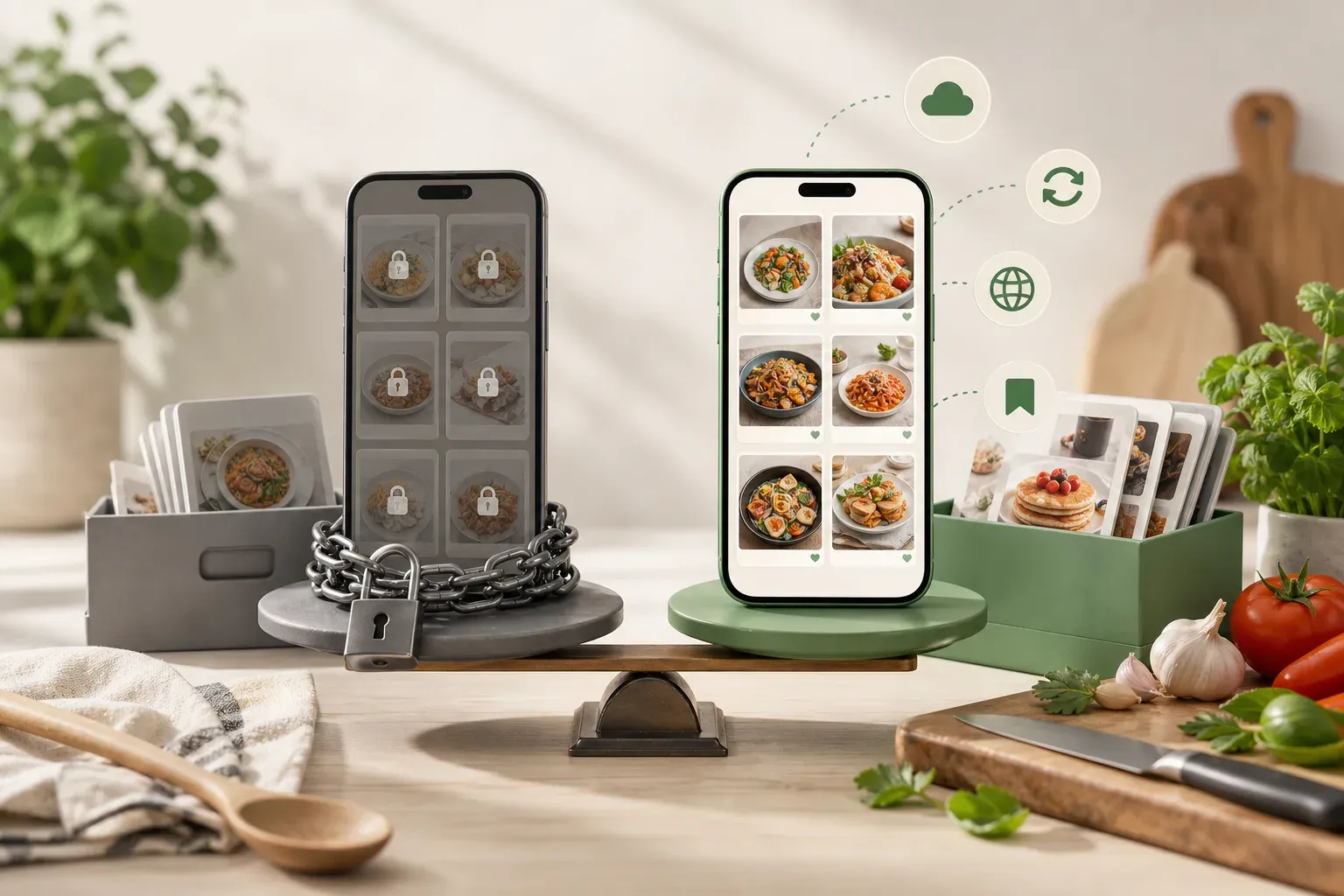
Most recipe apps advertise a free tier, but "free" rarely means what you think it does. You get enough to download the app, poke around, and hit a paywall the moment you try to do anything useful. Then there are apps that offer genuinely capable free plans but charge for the features that actually save you time.
If you're searching for a recipe app free of cost, this guide breaks down what you realistically get at no charge, what you give up, and whether paying is worth it for the way you actually cook.
What Free Recipe Apps Actually Offer
Free tiers tend to fall into one of three categories: fully free with no upgrade path, freemium with meaningful limits, or free trials that expire.
Fully free apps are usually recipe browsers or aggregators. You can search, read, and follow recipes, but there's no personal library, no offline access, and no way to save content from outside the app. If the app shuts down or a recipe gets deleted, it's gone.
Freemium apps give you a limited version of the paid product. You might be able to save a handful of recipes, create one or two folders, or import from a small number of sources. The idea is to show you what the app does, then charge you to use it at any real scale.
Free trials are time-limited access to the full product. These are the most honest model — you experience the real thing before deciding. The risk is that you build habits around features you'll lose when the trial ends.
Knowing which category an app falls into changes how you evaluate it.
The Features Most Free Tiers Cut First
Certain features almost always end up behind a paywall. Knowing what gets cut helps you figure out whether the free version is actually usable for your needs.
Recipe Import and Capture
The ability to pull a recipe from a URL, a video, or a photo is one of the most useful things a modern recipe app can do — and one of the first things restricted on free plans. You might get a limited number of imports per month, only certain supported sources, or no one-click tool at all and have to copy and paste manually.
Offline Access
Cooking without a stable connection is more common than you'd think. Whether you're in a kitchen with a weak signal or just don't want your screen timing out mid-recipe, offline access matters. Most free tiers require a live connection.
Unlimited Storage and Organization
Free plans often cap how many recipes you can save, how many folders you can create, or both. Once you hit the limit, you either delete something or upgrade.
Sync Across Devices
If you plan a meal on your laptop and want to cook from your phone, cross-device sync is essential. It's a feature that frequently sits behind a paywall.
What Paid Plans Typically Add
A paid subscription usually removes the limits above and adds a few things you wouldn't get otherwise. The most common additions are unlimited recipe saves with no cap on library size, import from any URL or video platform or photo, full offline access to your saved recipes, organized folders you can structure however you want, and persistent storage so your recipes survive even if the original source disappears.
Some apps also add meal planning, grocery list generation, or nutritional data at the paid tier. These vary a lot in quality between apps.
The honest question is whether the paid features match the way you actually cook. If you save ten recipes a year and cook from printed cards, a free app is probably fine. If you watch cooking videos regularly, save from multiple platforms, and want everything in one organized place, the free tier of most apps will frustrate you quickly.
How CookBuddy Approaches This
CookBuddy keeps it simple: one membership tier, all features, no usage caps. Pricing is $2.99 per month or $24.99 per year — a $10 savings compared to paying monthly.
The core function is recipe capture. Paste a link from TikTok, YouTube, Instagram, Pinterest, or any recipe website, and CookBuddy generates a formatted written recipe with ingredients, equipment, and step-by-step instructions. You can also upload a photo of a handwritten recipe or a cookbook page and get the same structured output.
Everything you save goes into a personal CookBook that you can organize into folders. Recipes are stored permanently — which matters more than it sounds. If a creator deletes a video, a website goes offline, or a social media account disappears, your saved recipe stays exactly where you left it. You're not dependent on the original source staying live.
In practice, that means you stop rewinding cooking videos to catch a step you missed. You stop screenshotting Instagram posts and hoping you can read your own notes later. The recipe is written out, organized, and waiting for you the next time you want to cook it.
Comparing Free vs Paid Across Common Use Cases
Here's how the free-versus-paid question plays out in real cooking scenarios.
Saving a Recipe You Found on TikTok
On a free plan at most apps, you'd screenshot it, manually type out the ingredients, and hope the video stays up. Some apps don't support video import at all on free tiers.
On a paid plan like CookBuddy, you paste the link, get a formatted recipe in seconds, and it's saved permanently in your CookBook — regardless of what happens to the original video.
Building a Recipe Collection Over Time
On a free plan, you hit a save limit, start making decisions about which recipes to keep, and lose the organizational structure that makes a collection actually useful.
On a paid plan, there's no cap. You save everything you want, organize it into folders by cuisine, occasion, or whatever system makes sense to you, and the collection grows with you.
Cooking from a Recipe Mid-Prep
On a free plan without offline access, you need a live connection, your screen times out, and you're scrolling back to find your place with flour on your hands.
With a written, formatted recipe, the instructions are structured by step. You know exactly where you are without scrubbing through a video.
Recipes from Multiple Platforms
If you follow food creators across YouTube, Instagram, and Pinterest, a free plan that only imports from one or two sources forces you to maintain separate systems for the rest. A paid plan that handles all sources keeps everything in one place.
When a Free Recipe App Is Genuinely Enough
Free apps aren't the wrong choice for everyone. If you cook from a small, stable set of recipes you've already saved, a free tier covers you. If you use one platform exclusively and it has its own native save feature, you might not need a dedicated recipe app at all.
The case for staying free is strongest when your cooking habits are consistent and low-volume. You know what you make, you make it regularly, and you're not actively building a new collection.
The case for paying gets stronger when you're discovering new recipes regularly, saving from multiple platforms, or tired of rewinding videos and losing content when creators delete it.
Is the Price Worth It?
At $2.99 per month, the math is simple. If a paid recipe app saves you even a few minutes of friction per week, the cost is trivial. The more relevant question is whether the specific features match your actual workflow.
For someone who regularly saves recipes from video platforms and wants a permanent, organized library, a paid plan pays for itself in convenience quickly. For someone who cooks from a handful of saved recipes and never imports new ones, the free tier of most apps is probably sufficient.
Most people fall somewhere in the middle — they have more recipes they want to save than a free tier allows, but they're not sure the paid version will stick. That's exactly where a single, low-cost tier with no confusing upgrade structure makes the decision easier.
FAQs
What do most free recipe apps actually let you do? Most free tiers let you browse and read recipes within the app, save a limited number of recipes, and sometimes import from a restricted set of sources. Unlimited saves, offline access, cross-device sync, and video import are commonly reserved for paid plans.
Is a free recipe app enough for everyday cooking? It depends on how you cook. If you work from a small, consistent set of recipes and don't need to import from video platforms, a free tier is often enough. If you're regularly saving from TikTok, YouTube, Instagram, or Pinterest, you'll likely hit the limits quickly.
What's the main reason to pay for a recipe app? Unlimited recipe storage, the ability to import from any source including videos, permanent offline access, and knowing your recipes won't disappear if the original content goes offline. Paid plans also tend to offer better organization tools.
How much does CookBuddy cost? CookBuddy costs $2.99 per month or $24.99 per year. The annual plan saves $10 compared to paying monthly. One membership tier unlocks all features with no usage caps.
Can I save recipes from TikTok or YouTube videos on a free plan? Most free plans either don't support video import at all or limit how many imports you can do per month. CookBuddy's paid plan lets you paste any video link and generates a formatted written recipe with no import limits.
What happens to my saved recipes if the original video or website goes offline? Apps that link to the original source rather than storing the recipe content will lose access if that source disappears. CookBuddy stores the full formatted recipe in your personal CookBook permanently, so it stays even if the original content is deleted.
How do I decide between free and paid for a recipe app? Start by counting how many recipes you save in a typical month and where you find them. If you're saving more than a free tier allows, or importing from video platforms, a paid plan removes the friction. If your habits are low-volume and consistent, a free tier may be all you need.
Free tiers work until they don't. The moment you want to save a recipe from a video, build a real collection, or stop worrying about content disappearing, a paid plan earns its cost. For most active home cooks, the friction of a limited free tier adds up faster than the monthly price of removing it. You can explore what CookBuddy offers at cookbuddy.ai.
recipe appscookbuddycomparisonfree vs paid
CookBuddy turns cooking videos, webpages, and photos into written recipes you can keep in one cookbook.