How to Build a Digital Family Cookbook Together
· By Sean Brennan
Drafted with AI assistance. Reviewed and edited by Sean Brennan before publishing.
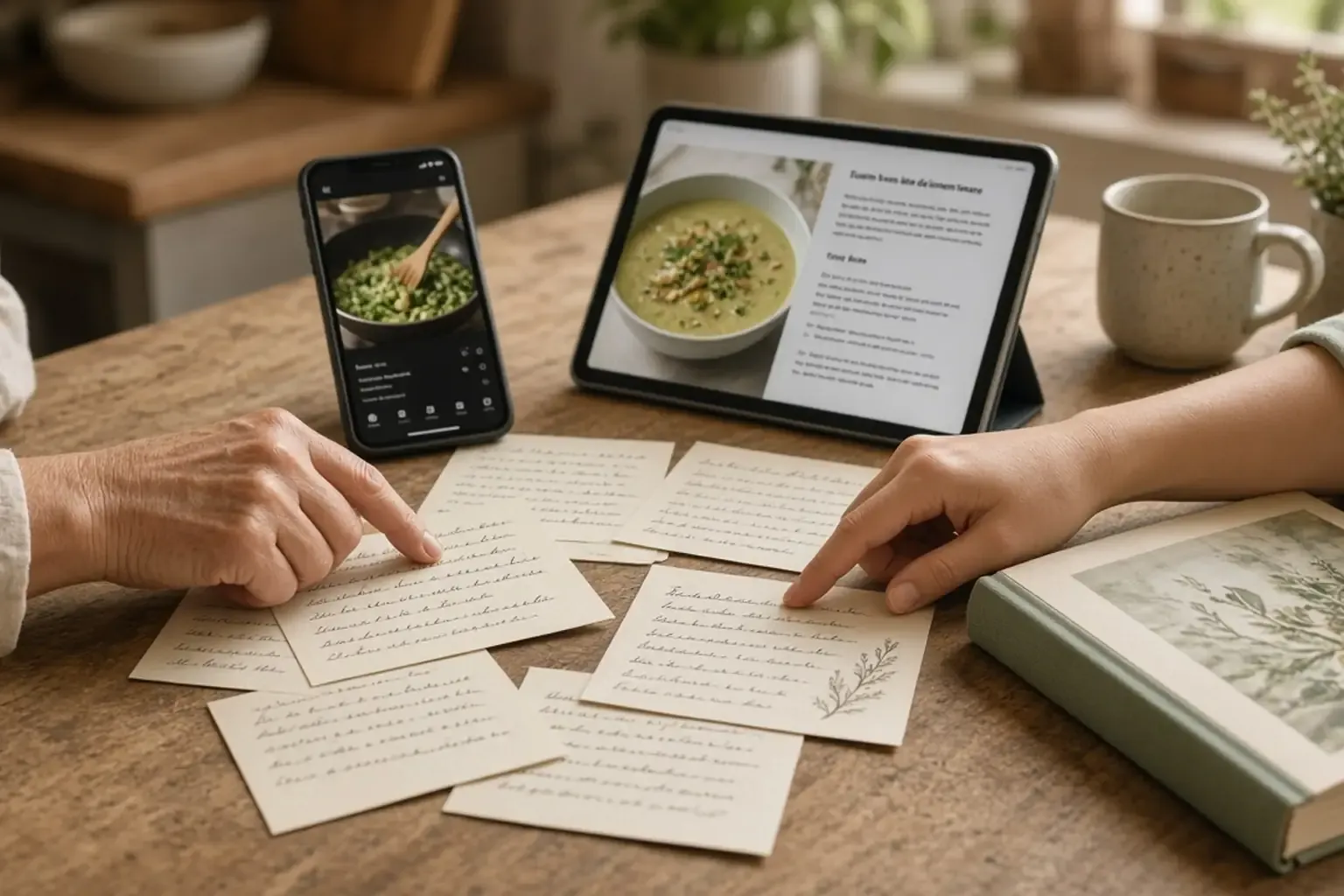
A digital family cookbook is one searchable home for every recipe your household actually cooks: TikToks you saved, handwritten cards from grandma, and the weeknight favorites you make on repeat. The walkthrough below covers how to build that collection, digitize old cards, and set simple rules so relatives can contribute without turning the cookbook into a second junk drawer.
Key takeaways
- One searchable cookbook beats scattered screenshots because family recipes can be found in seconds and grow as relatives send in cards and links.
- Photograph handwritten recipe cards flat in natural light, then transcribe them so they become searchable while keeping the original photos for the memories.
- Assign one Librarian to dedupe and tag, give everyone else simple rules like searching before adding, and the cookbook stays organized without extra effort.
- Tag recipes by cooking time and protein rather than cuisine, because weeknight searches ask what can I make tonight, not what cuisine sounds good.
- Export the full cookbook to a shared cloud folder quarterly so the collection survives a broken phone, an app switch, or a relative leaving.
What Is a Digital Family Cookbook (and Why Bother)?
A digital family cookbook is a searchable collection of every recipe your household cares about: TikToks you saved, handwritten recipe cards, photos of cookbook pages, and links from blogs. Relatives can send in dishes, and anyone with access can find a recipe in seconds instead of asking "where did I see that?" Family cooking threads on Reddit describe the mental load of planning the week's meals falling on one person, with recipes living as "oh it's in this cookbook on the shelf on one of the pages with a sticky note." Scattered screenshots rot in a camera roll; a maintained cookbook compounds in value as cards and links come in. Tools like CookBuddy make the import side easy: paste a video, webpage, or photo and get a written recipe in under 3 seconds.
CookBuddy does not offer shared cookbooks, a meal planner, or grocery lists yet. Those sit on the roadmap. Until multi-user sync exists, one person can still run the family library and let everyone else forward links and card photos.
Shared App, Cloud Folder, or Printable PDF: Which Format Fits Your Family?
Pick the format based on three questions: how comfortable your least tech-savvy relative is with apps, whether several people need to add recipes from their own phones, and whether you want something that survives a kitchen counter covered in flour. Answer those and the choice makes itself. A fuller walkthrough of the build process lives in CookBuddy's guide to building your own recipe book.
When a shared recipe app wins
A true shared app is the right call if several relatives need to add recipes from their own logins. ReciMe keeps grocery lists, meal planning, and cookbooks on the free plan, with a 5-import-per-week cap; ReciMe's US yearly example is $39.99. ReciMe is on the App Store and Google Play. The ReciMe app review covers household sharing in more detail. Paprika 4 is a free download with 50 recipes for new users; Premium is $14.99/year and is where social-post import, sync, and family accounts sit for those new accounts.
When a cloud folder is enough
A shared Google Drive or Dropbox folder works if your contributors mostly have existing files: scanned recipe cards, PDFs, saved photos. Drive and Dropbox cost nothing extra for a modest family folder and need no new app. The tradeoff is search and structure: finding "that chicken thing Aunt Rosa scans" means scrolling.
When to print a PDF heirloom copy
A printed PDF is for the grandparents' shelf and the recipe box, not for daily cooking. Once the digital cookbook is populated, export the keepers.
| Format | Best for | Main weakness |
|---|---|---|
| Shared app | Several relatives adding from their own phones | Needs everyone on the same product, and some apps charge per person |
| One-account cookbook plus a Librarian | TikTok/Instagram imports into one searchable library | Relatives send links instead of editing the same login |
| Cloud folder | Scanned cards and existing files | Weak search, no structure |
| Printed PDF | Heirloom copy, gifting | No search, goes stale |
How Do You Digitize Handwritten Recipe Cards and Old Photos?
Photographing cards so they stay legible
Lay each card flat near a window and shoot straight down, one card per photo. Wipe off grease stains if you can, and put a white sheet of paper behind thin cards so the back shows through less. Shoot at full resolution and crop later rather than zooming in. The Library of Congress and the U.S. National Archives publish guidance on family papers because light, humidity, and handling fade ink; a photo is the backup copy if the original is lost.
Turning handwriting into typed recipes
Import the photo into your recipe app and transcribe the card, fixing abbreviations as you go: "c." becomes cup, "tsp" stays tsp. CookBuddy turns cooking videos, webpages, and recipe photos into written recipes in under 3 seconds, so a clear photo of a card usually does most of the typing for you. CookBuddy Free includes 5 photo or video imports per month, unlimited storage, and up to 3 extra imports from ads; typed recipes you enter yourself do not use that import allowance. When handwriting recognition fails on a faded or cursive card, type the title, ingredients, and steps manually; five minutes per card beats a wrong ingredient list you discover mid-dinner. The full card workflow is in how to digitize handwritten recipe cards. A How-To Geek reviewer delayed trying Paprika because the old app sat behind a paid download, and later called that wait a mistake. Paprika 4's free 50-recipe tier is the current way to test the clipper without buying first.
What to keep from the original
Keep the photo alongside the typed recipe, because the handwriting itself carries the memories: Grandma's notes, a stain, a dated margin. Once a card is typed, it becomes searchable, so "that casserole with the sticky note" turns into a two-second search instead of digging through a shelf cookbook.
Who Adds What: A Multi-Contributor Workflow That Actually Works
A family cookbook dies when everyone dumps screenshots in and nobody tidies up. Give each relative one job and a few plain rules, and the collection stays searchable instead of becoming a second junk drawer.
Assign a Librarian
Pick one person, usually whoever already does the meal planning, to own the cookbook login. Their job: dedupe, tag, and delete the "test" entries. In CookBuddy, importing from a TikTok or Instagram link takes under 3 seconds, so the Librarian can also be the one who rescues recipes relatives drop into the group chat. More capture-and-folder ideas live in how to organize recipes and on the CookBuddy blog.
Rules for duplicates and naming
Keep naming boring and consistent:
- Name recipes exactly as the dish is called: "Grandma's Lasagna," not "IMG_4032."
- Tag by meal and protein (weeknight dinner, chicken, vegetarian) so search does the work later.
- Before adding, search for the dish. If it exists, update that entry instead of adding a near-copy.
- Delete nothing without checking with whoever saved it first.
Getting reluctant relatives on board
Start with one ask: "Send this one recipe you always make." People contribute once they see their dish sitting next to Mom's cards. Assign the handwritten-card transcription to the relative who already loves the project, and let everyone else just forward links.
How Do You Structure the Cookbook So Weeknight Cooking Draws on It?
Tag by cooking time, not cuisine
At 6pm nobody searches "Mediterranean." Tag every recipe with a time band (under 20, 20-40, 45+) and a protein or "pantry only." That combination answers the real question: what can I make tonight with what's here? Cuisines can be a second tag, but time comes first. Meal type as the primary folder, with a three-tag ceiling, is the system in recipe organization ideas. Time bands on weeknight dinners are how the recipes in 15 easy weeknight dinners tagged by time stay findable.
A 'tried and true' shelf
Mark recipes everyone has actually cooked and liked. The tried-and-true shelf becomes the default browse view, so new contributors see what the family standard looks like. Anything untested sits outside it until someone cooks it twice.
Saving social recipes into the family book
Recipes found on TikTok or Instagram should land in the same book, not in screenshots. CookBuddy turns a saved video or photo into a written recipe in under 3 seconds, so the weeknight tags apply to social finds too. Walkthroughs for that capture step are in save recipes from TikTok and save Instagram recipes. Paprika Recipe Manager takes a similar approach for webpages, importing them into a searchable library. Family recipes often include personal details, so check the app's data policy first; CookBuddy's is in the privacy policy.
Which Apps Let Multiple Relatives Contribute to One Cookbook?
Running every option through the same checklist
Judge every app on three things: can several relatives add to the same cookbook, can it pull a recipe straight from a video or photo instead of making someone retype it, and is the price clear before you commit.
ReciMe is built around saving recipes from social media and turning them into organized collections; grocery lists, meal planning, and cookbooks stay on the free plan, with 5 imports per week. Paprika Recipe Manager, Recipe Keeper, and Copy Me That each let you build a personal library from web recipes. Recipe Keeper still sells a one-time Pro upgrade per platform (about $19.99 on phones, about $29.99 on Mac). Copy Me That keeps features free for 40 recipes, then about $1/month. Mealie is a self-hosted option for people comfortable running their own server. Deeper product notes live in the Paprika Recipe Manager review and the Recipe Keeper app review.
The catch with most of them is the sharing model: some sync one account across devices, some charge per person, and some make a "shared" cookbook mean emailing files back and forth. Before you pick, ask one question at family dinner: who here will actually add recipes, and does this app let all of them do it without buying separate copies or guessing at a password? Household sharing versus one-account sync is compared in the family meal planning app guide.
Where CookBuddy fits, honestly
CookBuddy turns a TikTok, YouTube, Instagram, Pinterest, webpage, or recipe photo into a written recipe in under 3 seconds, so the relative who found the dish on Instagram can send the link and skip transcribing. Everything lives in one cookbook on iOS and Android, which ends the "it's on page one of the sticky notes" hunt. Free is 5 AI imports per month, unlimited storage, and up to 3 extra imports from ads; Premium is $3.99/month or $35.99/year. CookBuddy does not have shared cookbooks, a meal planner, or grocery lists yet. A couple may end up saving into one library, with one Librarian importing what relatives send, rather than syncing separate accounts. If family recipes come mostly from social videos and you want one searchable place fast, start on Free and test it with the two or three relatives who will actually send dishes.
How Do You Pass the Cookbook Down (and Keep It Alive)?
A digital family cookbook only survives if it can leave whatever app it lives in. Before committing to any tool, check its export options: Paprika Recipe Manager, Recipe Keeper, and Copy Me That all let you get recipes out in standard formats, so the collection never belongs to one phone or one person. CookBuddy's bulk export is available through contact, not a one-tap file dump in the app.
Export and backup habits
Once a quarter, export the full cookbook and drop the file in a shared cloud folder your relatives already use. Quarterly backups cover a broken phone, a switch from iOS to Android, and a relative who quits the app. If the export includes photos of handwritten recipe cards, keep those images in the same folder as originals.
The yearly prune
Every January, spend 20 minutes deleting the recipes nobody cooked. Ask each contributor to flag two keepers from the past year; anything unmentioned is a candidate for removal. A cookbook with 40 loved recipes gets used weekly. One with 400 gets ignored.
Bringing in a new contributor
When a sibling or in-law joins, don't hand them the whole backlog. Ask them to add three recipes they actually cook, then show them the search. People who contribute early keep contributing, and that's what keeps the cookbook alive across generations.
FAQ
How do I share a digital family cookbook with relatives who aren't tech-savvy?
Give each relative one job that matches their comfort level. Relatives who can install an app and the product actually supports extra logins can save recipes from their phone; everyone else can forward links to the group chat and let the Librarian import them. A printed copy of the keepers covers anyone who wants a physical recipe on the kitchen shelf. CookBuddy does not offer multi-account sharing yet, so the Librarian model is the current path.
Can I turn a photo of my grandma's handwritten recipe card into text?
Yes. Lay the card flat, shoot straight down near a window, and import the photo into your recipe app. A clear photo usually does most of the typing for you. CookBuddy converts a recipe photo into a written recipe in under 3 seconds; Free includes 5 of those imports per month. For faded or cursive cards, type the title, ingredients, and steps manually; five minutes per card beats a wrong ingredient list discovered mid-dinner.
What's the best way to handle duplicate recipes when several people add to the same cookbook?
Before adding anything, search for the dish first. If it exists, update that entry instead of creating a near-copy. The Librarian dedupes whatever slips through, and nothing gets deleted without checking with whoever saved it first. Consistent naming helps too: "Grandma's Lasagna," never "IMG_4032."
Is there a free way to build a shared family cookbook?
A shared Google Drive or Dropbox folder costs nothing and needs no new app. Drive and Dropbox work well if contributors mostly have existing files like scanned cards or saved photos. The tradeoff is search and structure: finding a specific recipe means scrolling instead of searching, so a folder suits families with modest collections. ReciMe's free plan keeps cookbooks, grocery lists, and meal planning available, with a 5-import-per-week cap. CookBuddy Free stores unlimited recipes and allows 5 AI imports per month, but it is one library, not a multi-user shared cookbook.
family recipesorganizationcookbuddyrecipe apps
CookBuddy turns cooking videos, webpages, and photos into written recipes you can keep in one cookbook.