Build Your Own Recipe Book: The Complete Digital Guide
· CookBuddy
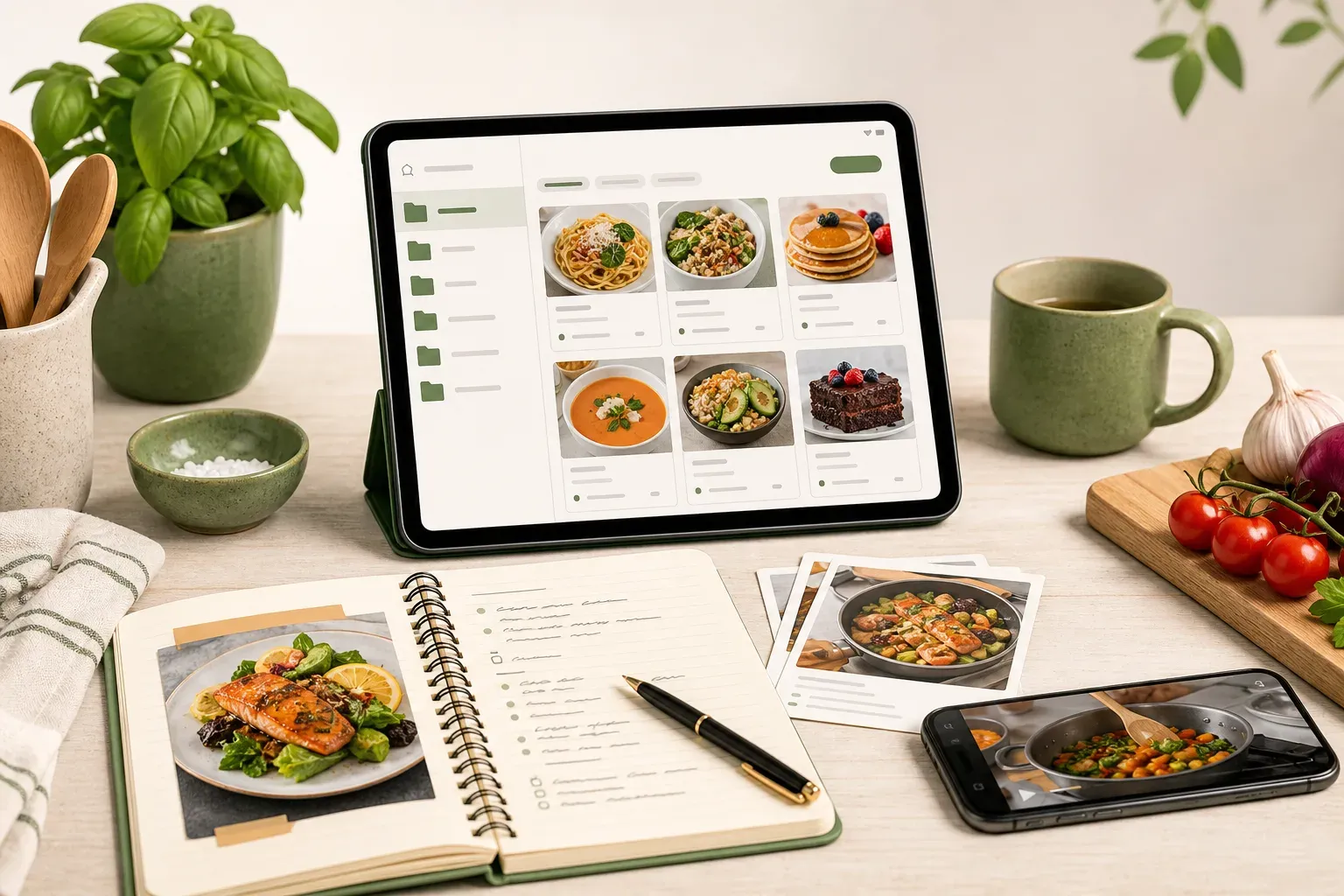
You've bookmarked a hundred cooking videos. Saved TikToks, pinned Instagram Reels, queued up YouTube tutorials. Then one day you go looking for that pasta dish you loved — and it's gone. The creator deleted it, the account went private, or it disappeared somewhere in a folder you can't navigate anymore.
That's when most home cooks realize they don't actually have a recipe book. They have a pile of links.
This guide walks you through how to build a real digital recipe book — one you own, can organize, and can actually use while cooking.
What a Digital Recipe Book Actually Needs
Before picking a tool or format, it helps to define what "built" really means. A digital recipe book isn't just a saved folder. To be genuinely useful, it needs:
- Structured recipes. Ingredients, equipment, and steps written out clearly — not buried in a video timeline.
- Reliable access. You should be able to pull up a recipe mid-cook without hunting for it or worrying it's vanished.
- Organization you control. Folders or categories that match how you actually cook, not how an algorithm sorts things.
- Usability while cooking. Checkboxes, cross-off steps, and a format that doesn't require rewinding anything.
If your current "recipe book" is a saved-videos folder on your phone, it probably fails at least three of these.
Step 1: Decide What Goes In
The first step is figuring out which recipes actually deserve a permanent home.
Most people save far more than they ever cook. That's fine — but when you're building something you'll actually use, it helps to be selective at the start. Begin with:
- Recipes you've already cooked and want to repeat
- Recipes you've genuinely been meaning to try
- Family recipes or handwritten cards you want to preserve digitally (see how to digitize handwritten recipe cards)
You can always add more later. Starting with a focused core collection means your book is immediately useful, rather than becoming another archive you never open.
Step 2: Choose Your Format
There are a few ways to store recipes digitally, and each comes with real tradeoffs.
Notes Apps and Spreadsheets
Google Keep, Apple Notes, or a basic spreadsheet can work if you're disciplined about formatting. The catch is that everything has to be entered manually. Copying a recipe from a video means watching it, pausing, typing, rewinding. It works — it's just slow and error-prone.
Recipe Website Clippers
Apps like Paprika 3 are solid for clipping recipes from traditional cooking websites. But they can't handle video content. If most of your recipe discovery happens on TikTok, YouTube, or Instagram, a web clipper alone won't cut it.
AI-Powered Recipe Extractors
This is where things have changed significantly. Apps that use AI to pull recipes from video links or photos can do in seconds what would otherwise take ten minutes. You paste a link, the app reads the video or page, and it generates a clean written recipe — ingredients, equipment, and numbered steps included.
CookBuddy works exactly this way. Paste a link from TikTok, YouTube, Instagram, Pinterest, or any recipe website — or upload a photo — and the app generates a formatted recipe instantly. That recipe is then saved permanently in your CookBook, meaning it stays there even if the original video gets deleted.
Step 3: Build a Folder Structure That Works
Organization is where most digital recipe collections fall apart. People start with good intentions and end up with 200 unsorted recipes and no way to find anything.
A few approaches that actually hold up over time:
By cuisine or dish type. Italian, Asian, Baking, Salads. Simple and intuitive, especially if you cook across a range of styles.
By occasion. Weeknight dinners, meal prep, entertaining, quick lunches. Useful when your cooking varies a lot by context.
By main ingredient. Chicken, pasta, vegetables. Works well if you tend to shop first and figure out what to cook second.
Hybrid. Most people end up combining approaches — a top-level folder for Weeknight Dinners with subfolders for Pasta, Chicken, and Vegetarian, for example.
CookBuddy's CookBook supports custom folder organization, so you can set it up however fits your habits. The key is choosing a structure before you start adding recipes, not after you've accumulated 300 of them.
Step 4: Handle Your Backlog
If you already have a large saved-video folder, the backlog is probably the most daunting part. You don't have to tackle it all at once.
A practical approach: go through your saved videos once a week and convert the ones you actually want to keep. Delete the rest. Most people find that when they're forced to actually look at a saved video, they realize they were never going to cook half of them anyway.
For the ones worth keeping, an AI extraction tool makes this fast. Paste the link, review the generated recipe, save it to the right folder. A video that would take ten minutes to manually transcribe takes about thirty seconds this way.
Step 5: Make It Usable While Cooking
A recipe book only earns its keep if you actually use it in the kitchen — which means the format has to work when your hands are messy and you're mid-step.
A few things that matter more than they might seem:
Checkboxes on ingredients. Tap to mark off what you've added. Solves the "did I already add the salt?" problem immediately.
Cross-off steps. Tap each instruction as you complete it so you always know exactly where you are in the process.
No rewinding. This sounds obvious, but it's the core frustration with saving cooking videos. A written, structured recipe means you never have to scrub backward through a video to catch something you missed.
CookBuddy's interactive recipe format includes all of this. Ingredients and equipment have checkboxes, and instructions can be tapped to cross off as you go.
Step 6: Protect Your Collection
This is the step most people skip until it's too late.
Social media platforms are not recipe archives. Creators delete content, accounts go private, platforms shift their algorithms or change their terms. If your recipe book depends on those original videos staying live, it's not really yours.
This is where permanent storage matters. When CookBuddy saves a recipe, it stores the full structured text in your CookBook. The original source link is preserved for reference, but the recipe itself doesn't disappear if that source goes offline. You own the extracted text.
That's a meaningful difference from bookmarking a video or saving it to a platform's native collection, where you're still entirely dependent on the source staying available.
What to Look for in a Recipe App in 2026
If you're comparing tools to help build your digital recipe book, a few things are worth evaluating:
Source support. Does it handle the platforms you actually use? TikTok, YouTube, Instagram, Pinterest, and recipe websites cover most home cooks' discovery habits. Some apps only support two or three of these.
Permanent storage. Does the recipe persist if the original video is deleted? Many apps don't address this at all.
Usage caps. Some apps paywall you after a small number of saves — ReciMe, for example, limits free users to five saved recipes before requiring a subscription. If you're building a real collection, a cap is a real obstacle.
Price. CookBuddy Free includes 5 imports per month and unlimited storage. Premium is $2.99 per month or $24.99 per year for unlimited imports — the lowest published subscription price among direct competitors in this category.
Cooking usability. Does the recipe format actually work while you're cooking, or is it just a text dump?
Building a Recipe Book as a Creator
There's a second use case worth mentioning. If you create cooking content, a digital recipe book built from your own video backlog has value well beyond personal use.
Converting your video archive into written recipes gives you material for a blog, a newsletter, or a Substack. It also means your audience can follow your recipes without watching a video — which opens up a different kind of reach entirely.
CookBuddy works for this too. You paste your own video links the same way you'd paste anyone else's, and the extracted recipes are yours to use.
FAQs
What's the best way to start building a digital recipe book if I have hundreds of saved videos?
Start with the recipes you've actually cooked and want to repeat. Process those first, then work through your backlog in small batches — maybe ten videos a week. Delete anything you know you'll never cook. An AI extraction tool makes the conversion fast enough that this doesn't have to be a major project.
Can I build a digital recipe book from TikTok and Instagram videos?
Yes, with the right tool. Apps like CookBuddy let you paste a TikTok or Instagram link and generate a structured written recipe from the video. It's much faster than watching and manually transcribing, and the resulting recipe is stored permanently in your collection.
What happens to my saved recipes if a creator deletes their video?
If you've only bookmarked the video or saved it to a platform's native collection, the recipe is gone. If you've used an app that extracts and stores the full recipe text — like CookBuddy — the recipe stays in your collection regardless of what happens to the original source.
Do I need to follow a specific folder structure for my digital recipe book?
No specific structure is required, but having one before you start adding recipes saves a lot of reorganization later. Cuisine type, occasion, or main ingredient are all common approaches. Pick something that matches how you actually decide what to cook.
Is there a free way to build a digital recipe book?
Notes apps and spreadsheets are free but require manual entry. Some recipe apps offer limited free tiers before hitting a storage paywall. CookBuddy Free includes 5 imports per month and unlimited storage; Premium is $2.99 per month for unlimited imports — the lowest published subscription price in its category.
Can I use a digital recipe book while cooking without getting my phone dirty?
A well-designed recipe app makes this manageable. CookBuddy's interactive format includes ingredient checkboxes and tap-to-cross-off steps, so you can track your progress with a single tap rather than scrolling through a video or a wall of text.
What's the difference between saving a recipe and actually owning it?
Saving a link or bookmarking a video means you're dependent on that content staying live. Owning a recipe means the full text — ingredients, steps, everything — is stored somewhere you control, independent of the original source. That's the practical difference between a recipe archive and a recipe book.
Building a real digital recipe book takes about an hour of setup and a consistent habit of converting new recipes as you find them. The payoff is a collection you can actually navigate, use while cooking, and rely on long-term.
If you want a tool that handles the extraction and storage side automatically, CookBuddy is worth a look. If you are still choosing between an app, a one-time purchase, and a free Notion or Google Doc template, start with the digital cookbook buyer’s guide.
recipesorganizationcookbuddy
CookBuddy turns cooking videos, webpages, and photos into written recipes you can keep in one cookbook.