How to Save Instagram Recipes So They're Always There When You Need Them
· CookBuddy
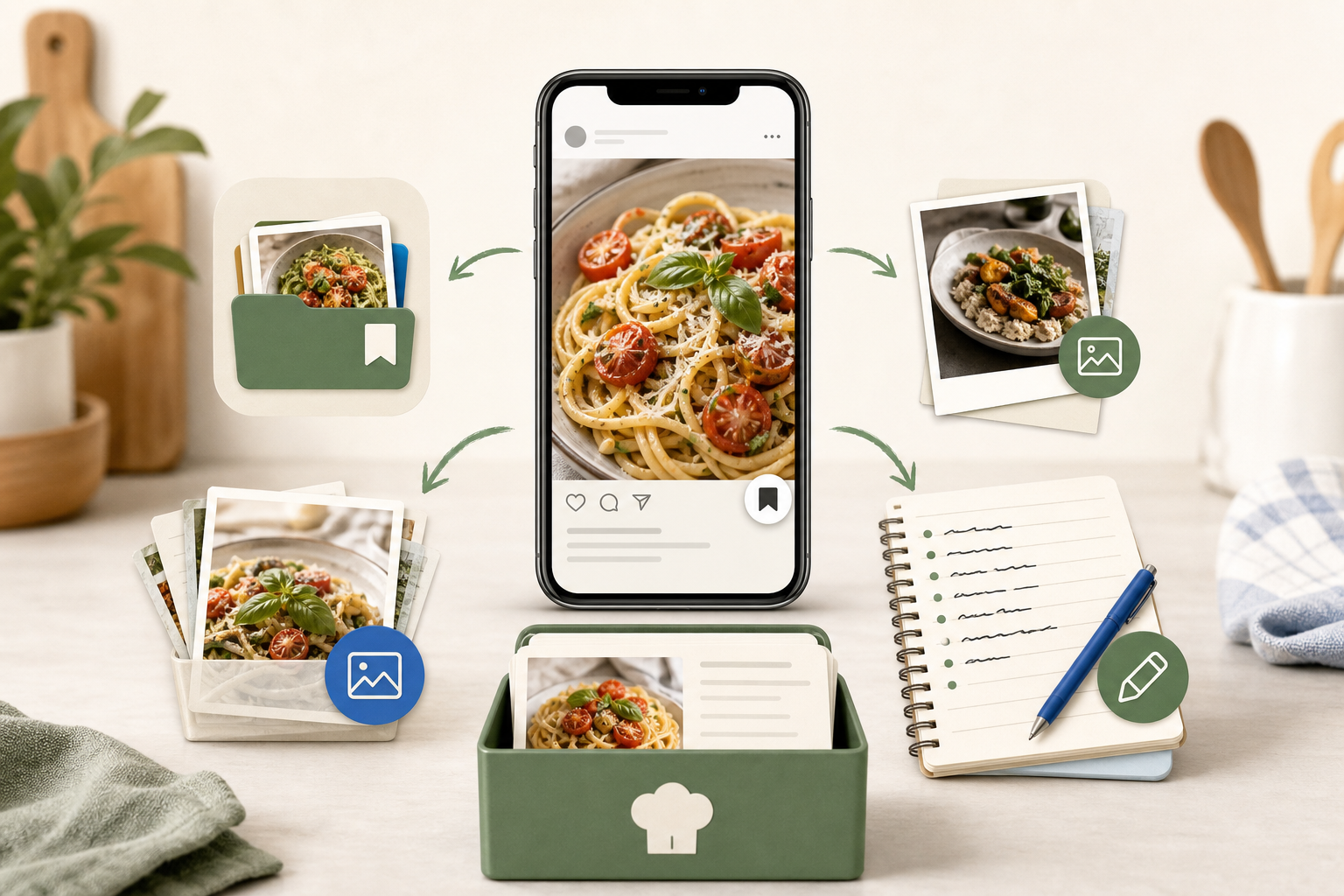
Instagram is one of the best places to stumble onto food ideas. A quick scroll and you've found a gorgeous pasta dish, a weeknight stir-fry that actually looks doable, or a dessert you're already planning for the weekend. You tap the bookmark icon and keep scrolling.
Then the weekend arrives. You open your saved posts, scroll through a wall of unrelated content, and either can't find the recipe or click through to discover the account has gone private. The recipe is just gone. If you've ever tried to save Instagram recipes in a way that holds up over time, you already know the built-in tools weren't designed for this.
This guide covers every method available — from Instagram's own features to purpose-built apps — so you can choose whatever fits how you actually cook.
Why Instagram's Native Save Feature Falls Short
Instagram's bookmark feature is fine for short-term reference. It's built for rediscovering content you liked, not for using that content in the kitchen. A few problems show up quickly once you start relying on it for recipes.
You can't search your saved posts. Once you've saved more than a few dozen posts, finding a specific recipe means scrolling until you spot it visually. No text search, no filtering by ingredient, no sorting by date or category beyond manually creating named collections.
The recipe lives on Instagram's servers, not yours. If the creator deletes the video, deactivates their account, or makes it private, your saved post disappears with it. You have no copy of the actual recipe content — just a broken link.
The format isn't cooking-friendly. Even when you track down the post, the recipe is usually buried in a caption, dropped in a comment, or spoken aloud in the video. You're reading off your phone mid-cook, rewinding to catch a measurement you missed, or squinting at a caption written as a stream of consciousness rather than a structured recipe.
These aren't edge cases. They're the normal experience of saving recipes on Instagram.
The Four Main Ways to Save Instagram Recipes
1. Instagram Collections
Instagram lets you organize bookmarks into named collections — something like "Weeknight Dinners" or "Baking Projects" — and save posts directly into them.
This helps with organization, partially. Collections give you a way to group posts by theme, which is useful if you're disciplined about it from the start. But it doesn't fix the search problem, the offline problem, or the format problem. When it's time to cook, you're still reading captions and watching videos inside the app.
Collections are worth using if you want basic grouping on top of what you're already doing. Just don't expect them to replace a proper recipe system.
2. Screenshots and Your Photo Library
Screenshotting a recipe post is a fast workaround, and the image stays on your phone regardless of what happens to the original. The problem is that your photo library isn't organized for recipes. Screenshots get buried between everything else, there's no way to search by ingredient, and a screenshot of a video is often just a frame of someone stirring a pan with no recipe text in sight.
For a single recipe you need right now, it works. As a long-term system, it falls apart quickly.
3. Notes Apps and Manual Transcription
Some people copy recipe text from captions into Apple Notes, Notion, or Google Keep. This works when the recipe is actually written out in the caption — but not for video recipes where the instructions are spoken or demonstrated rather than typed out.
Manual transcription is also just slow. Typing out an ingredient list and a full set of instructions while pausing and rewinding a video takes real time. Do it for every recipe you want to keep and it stops feeling like a habit and starts feeling like a chore.
4. A Dedicated Recipe-Saving App
The most reliable approach is using an app built specifically to extract and store recipes from social media. Instead of bookmarking the post, you paste the Instagram URL into the app and it generates a clean, written recipe — structured ingredient list, equipment notes, step-by-step instructions.
This is the approach that solves all three problems at once: format, organization, and permanence.
How CookBuddy Handles Instagram Recipes
CookBuddy is a mobile app for iOS and Android that converts Instagram videos and posts into written recipes stored in your personal CookBook. The process is simple: copy the link from Instagram, paste it into CookBuddy, and the app generates a formatted recipe with ingredients, equipment, and instructions.
That recipe is then saved permanently in your CookBook. It stays there whether or not the original Instagram post is still live. If the creator deletes the video tomorrow or the account goes private next month, your recipe is unaffected. You have a copy of the content itself — not just a pointer back to someone else's post.
What the Saved Recipe Looks Like
The format is designed for actual use in the kitchen. Ingredients have checkboxes so you can mark off what you've prepped. Equipment is listed separately so you can gather everything before you start. Instructions are tap-to-cross-off, so you can move through each step without losing your place or accidentally skipping ahead.
Every saved recipe also keeps a link back to the original source, so you can return to the video whenever you want to watch the technique again.
Organization That Scales
Your CookBook supports custom folders, so you can organize recipes the way your kitchen brain actually works — by meal type, cuisine, occasion, or whatever system makes sense to you. As your collection grows, you're navigating a structured library rather than a scrollable wall of images.
Supported Platforms
CookBuddy works with Instagram, TikTok, YouTube, Pinterest, and any recipe website. It also accepts photo uploads, so if you have a photo of a handwritten recipe card or a cookbook page, you can convert that too. One app, one workflow, all your recipe sources in one place.
Pricing
CookBuddy costs $2.99 per month or $24.99 per year. The annual plan saves $10 compared to paying monthly. One membership tier covers everything with no usage caps — you're not hitting a paywall after a handful of saves.
Building a Recipe System That Actually Works
Saving recipes is only useful if you can find and use them later. A few habits make the difference between a collection that serves you and one that becomes another thing to manage.
Save with intent, not impulse. It's easy to bookmark every interesting post you scroll past. A more useful habit is saving recipes you genuinely plan to make. A smaller, curated collection is easier to navigate than a massive archive of things you saved in the moment and never came back to.
Organize as you go. Whether you're using Instagram collections or a dedicated app with folders, categorizing a recipe when you save it takes five seconds. Reorganizing a hundred unsorted recipes later takes an afternoon.
Keep everything in one place. When you're using multiple saving methods, recipes end up scattered across bookmarks, your photo library, and various notes apps. Consolidating into a single system means you always know where to look.
Test the recipe before it disappears. If a recipe matters enough to save, it matters enough to verify your saved version actually works. The first time you cook from it is also a good time to note any adjustments.
When You've Already Lost a Recipe
If you're reading this because a recipe you saved is already gone, a few things are worth trying before giving up.
Search the creator's name on Instagram directly. If they deleted a specific post but the account is still active, they may have reposted the recipe or referenced it in a later video. Some creators also maintain a website or newsletter where older content is archived.
Try searching the dish name on YouTube or TikTok. The same recipe — or something close — often exists across multiple platforms, and another creator may have posted a nearly identical version.
Search Google using the dish name plus the creator's handle. Google sometimes indexes Instagram captions, and you may find a cached version of the post or a blog that covered the same recipe.
Going forward, the only reliable way to avoid this situation is to save the recipe content itself, not just a link to it. That's the core problem apps like CookBuddy are built to solve.
Instagram Recipes vs. Other Platforms: What's Different
Instagram recipes tend to be more visual and less text-heavy than YouTube tutorials or blog posts. Creators often demonstrate technique rather than narrate it, which means the video itself carries real context even after you have the written recipe.
That's actually an argument for saving the written version and keeping the source link. You get the structured recipe for cooking, and you can return to the video when you want to watch how something is done. CookBuddy keeps that source link attached to every saved recipe, so you have both.
Reels can be deleted at any time, and Stories expire after 24 hours by default. If a creator posts a recipe as a Story, your window to save it is short. The habit of saving immediately — rather than planning to come back later — matters more on Instagram than on almost any other platform.
FAQs
Can I save Instagram recipes without the original post staying live?
Yes, if you use a dedicated app like CookBuddy. The app extracts the recipe content and stores it in your personal CookBook independently of the original post. If the creator deletes the video or the account goes private, your saved recipe is unaffected.
Does Instagram have a built-in way to save recipes as written text?
No. Instagram's bookmark feature saves a link to the post, not the content itself. If the post is deleted or the account goes private, the saved post disappears. There's also no way to search saved posts by ingredient or recipe name.
What's the best app to save Instagram recipes?
CookBuddy is a strong option for home cooks who want a permanent written record. It converts Instagram videos and posts into formatted recipes with ingredients, equipment, and step-by-step instructions, and stores them in a searchable CookBook with folder organization. It costs $2.99 per month with no usage caps.
Can I save Instagram Stories that include recipes?
Instagram Stories expire after 24 hours unless the creator saves them as a Highlight. If a recipe appears in a Story, you need to act quickly — taking a screenshot or copying the link into a recipe app immediately is the most reliable approach.
What happens if I save a recipe and then the creator's account goes private?
If you used Instagram's native bookmark, the post will no longer be accessible. If you saved the recipe through CookBuddy before the account went private, your copy stays in your CookBook and is completely unaffected by changes to the original account.
Can I organize my saved Instagram recipes into categories?
Instagram collections allow basic grouping, but you can't search within them. CookBuddy's CookBook supports custom folders, so you can organize recipes by cuisine, meal type, occasion, or any system that works for you — and find them without scrolling through a visual grid.
Does CookBuddy work with platforms other than Instagram?
Yes. CookBuddy supports TikTok, YouTube, Instagram, Pinterest, any recipe website, and photo uploads. All saved recipes go into the same CookBook, so your collection stays in one place regardless of where the original recipe came from.
The Bottom Line
Instagram is a great place to find recipes. It's a poor place to store them. The bookmark feature was built for rediscovery, not for use in the kitchen, and it offers no protection against content disappearing.
The most reliable way to save Instagram recipes so they're genuinely there when you need them is to extract the recipe content itself and store it somewhere you control — structured written format, permanent storage that doesn't depend on the original post staying live, and organization that lets you find what you're looking for in seconds.
If you want a simple, focused tool for exactly that, CookBuddy is worth a look.
instagramrecipescookbuddy
CookBuddy turns cooking videos, webpages, and photos into written recipes you can keep in one cookbook.