How to Organize Recipes: A Practical System for Home Cooks
· CookBuddy
You've saved dozens of cooking videos. You've bookmarked recipe pages. You've screenshotted ingredient lists. And when Tuesday night rolls around and you actually want to cook something, you can't find any of it.
This isn't a willpower problem. It's a system problem. Most people collect recipes across five different apps with no consistent structure, then wonder why the whole thing feels useless when they're standing in the kitchen. The collection exists — it's just not organized in a way that helps you cook.
This guide walks through a practical system that actually works, whether you're starting from scratch or trying to bring order to an existing mess.
Why Most Recipe Collections Fall Apart
It usually starts at the saving stage. In the same week, you tap "save" on an Instagram reel, bookmark a YouTube video, and pin something on Pinterest. Each platform stores that content differently, and none of them talk to each other.
Then the second problem hits: the content disappears. A creator deletes their account. A video goes private. A website shuts down. Your saved post leads to a dead link or a blank screen.
And even when the content survives, finding it is its own challenge. Scrolling through 400 saved Instagram posts to locate one pasta recipe isn't a system — it's a search party.
A good recipe organization system solves three things: it captures recipes in a consistent format, stores them somewhere you control, and makes them easy to find when you're actually ready to cook.
Step 1: Choose One Home Base
The most important decision is picking a single place where all your recipes live. Not three places. One.
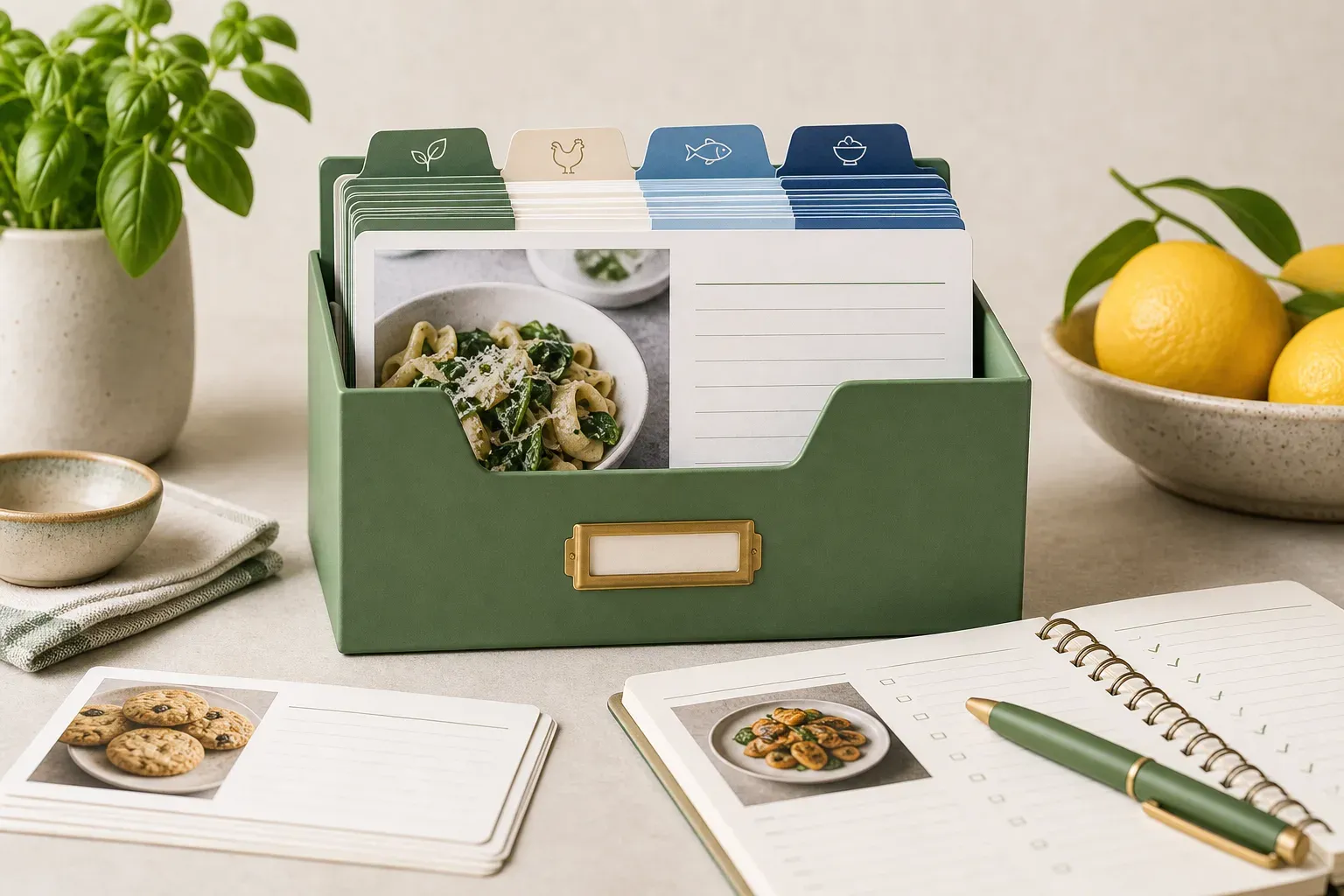
This could be a dedicated recipe app, a notes app with a consistent structure, or a physical binder if you prefer analog. What matters is that every recipe you want to keep ends up there, in the same format, every time.
The reason is simple: retrieval. When you're mid-cook and need to check how much stock to add, you don't want to remember which app you saved the recipe in. You want to open one place and find it immediately.
For home cooks who discover recipes primarily through social media and cooking videos, a dedicated recipe app tends to work better than a general notes tool — because it's built around the specific format a recipe actually needs: ingredients, equipment, and numbered steps.
Step 2: Convert Everything Into Written Recipes
This is where most systems break down. Saving a link to a video is not the same as saving a recipe. A link is a pointer to content someone else controls. A written recipe is something you own.
When you convert a cooking video or webpage into a structured written recipe, you gain several things at once. You can read through the full recipe before you start cooking instead of scrubbing through a video. You can check off ingredients as you gather them. You can follow steps without constantly pausing and rewinding.
The manual approach — watching a video and typing out the recipe yourself — works, but it takes 15 to 20 minutes per recipe. Most people do it once and stop.
Apps like CookBuddy automate this entirely. Paste a link from TikTok, YouTube, Instagram, or Pinterest, and the app generates a formatted written recipe with ingredients, equipment, and step-by-step instructions. The recipe is saved permanently in your personal CookBook, so it stays accessible even if the original video gets deleted or the creator's account goes private. That last part matters more than it sounds — losing a saved recipe to a deleted video is one of the most common frustrations home cooks run into.
Step 3: Build a Folder Structure That Matches How You Cook
Once your recipes are in one place, you need a way to find them. Folders are the most reliable method, but the categories have to match your actual cooking behavior — not some idealized version of it.
By meal type. Breakfast, lunch, dinner, snacks, desserts. Simple and intuitive. Works best if you tend to search by when you're eating rather than what you're making.
By cuisine or ingredient. Italian, Asian, chicken, pasta, vegetarian. Works well if you cook thematically and like to browse by type.
By occasion. Weeknight dinners, weekend projects, dinner party dishes, batch cooking. This structure is particularly useful because it maps to the actual decision you're making: how much time and effort do I have right now?
By source or creator. If you follow specific creators whose recipes you trust, organizing by creator can help when you remember who made something but not what it was called.
Most people end up using a hybrid. A top-level folder for meal type with subfolders for occasion or cuisine works well for a lot of home cooks. The key is keeping it shallow — if you need to click more than two levels deep to find a recipe, the structure is too complex.
Step 4: Name Recipes Consistently
This sounds minor, but it makes a real difference when you're searching.
If your recipe app has a search function, the recipe title is usually what gets searched. "That chicken thing from the TikTok video" is not a searchable title. "Crispy Garlic Butter Chicken Thighs" is.
When you save a recipe, take five seconds to confirm the title is descriptive and specific. Include the main protein or ingredient, the cooking method or flavor profile, and any distinguishing detail. "Baked Salmon with Lemon Herb Crust" will surface in a search for salmon. "Salmon Recipe 3" will not.
If you're using an app that auto-generates the recipe from a video, check the title it assigns and edit it if needed. Most auto-generated titles pull from the video title, which is usually accurate but occasionally vague.
Step 5: Add Tags or Notes for Context
Folders handle broad organization. Tags and notes handle the nuances folders can't.
Some useful things to note alongside a recipe:
- How long it actually took (versus how long the recipe claims)
- Any substitutions you made and whether they worked
- Who in your household liked it — or didn't
- Whether it scales well for leftovers
- Seasonal availability of key ingredients
Not every recipe needs notes. But for dishes you return to regularly, a few lines of context can save you from repeating mistakes or forgetting what made it work the last time.
Step 6: Do a Monthly Cull
A recipe collection that only grows eventually becomes as hard to navigate as no system at all.
Once a month, spend ten minutes reviewing what you've added. Delete anything you saved impulsively and know you'll never actually make. Move recipes you've tried and loved into a dedicated "favorites" or "tested and approved" folder. Archive anything seasonal that you want to keep but won't need for a while.
This keeps your active collection lean and useful. The goal is a library you trust, not an archive you dread opening.
What to Do With Recipes You've Already Lost
If you've lost recipes to deleted videos or private accounts, you're not alone — it's one of the most common complaints among home cooks who save content on social media.
For future recipes, the fix is converting them to written format as soon as you save them, before the original content can disappear. For recipes you've already lost, the options are limited: search for a similar recipe from another creator, or look up the dish name and reconstruct it from multiple sources.
This is exactly why the conversion step matters so much. A written recipe stored in your own CookBook is yours permanently, regardless of what happens to the original video or the creator's account.
Putting the System Together
A practical recipe organization system doesn't need to be complicated. The core of it is:
- One home base for all your recipes
- A consistent process for converting videos and links into written recipes
- A folder structure that matches how you actually cook
- Descriptive titles that make search useful
- Brief notes on recipes you return to
- A monthly review to keep the collection manageable
The hardest part is the first week, when you're building the habit of converting and filing recipes as you find them instead of just tapping "save" and moving on. Once that habit is in place, maintaining the system takes less time than finding a lost recipe used to.
If you're looking for a tool built specifically around this workflow, CookBuddy handles the conversion and storage step automatically. Paste a link from any major platform, get a formatted written recipe, and it lives in your CookBook permanently — even if the original video disappears. Available on iOS and Android. Free includes 5 imports per month and unlimited storage; Premium is $2.99 per month or $24.99 per year. If you are still choosing the home base itself, start with best digital recipe box in 2026 or the digital cookbook buyer’s guide if price is the filter. Cooking for a household rather than yourself? Match shared lists and family size in the family meal planning app guide. To put that organized box to work on a 14-day leftover calendar, see meal plan for two weeks on a budget. For a two-hour Sunday cook with those recipes, see easy weekly meal prep ideas. Sharing a rental kitchen? Use family beach vacation meal planning. For a 15-minute weeknight rotation that uses those saved recipes, see easy quick delicious dinner recipes.
Frequently Asked Questions
What is the best way to organize recipes at home?
Keep all your recipes in one place, in a consistent written format, organized into folders that match how you actually cook. Avoid spreading recipes across multiple apps or platforms. One home base with a simple folder structure is easier to maintain and much faster to search when you're ready to cook.
How do I save recipes from TikTok or Instagram without losing them?
Saving a video or post on the platform itself isn't reliable long-term — creators can delete content or make accounts private at any time. The better approach is converting the video into a written recipe and storing it somewhere you control. Apps like CookBuddy let you paste a link and generate a formatted recipe that stays in your personal CookBook even if the original video disappears.
How many folders should I have in my recipe collection?
Fewer than you think. Most home cooks do well with five to eight top-level folders. If you need more than two clicks to find a recipe, the structure is probably too deep. Start with broad categories like meal type or occasion, and only add subfolders if a category genuinely grows large enough to need them.
Should I organize recipes by cuisine or by meal type?
It depends on how you think when you're deciding what to cook. If you usually ask "what do I feel like eating tonight," organizing by meal type or occasion tends to work better. If you usually ask "what kind of food do I want," organizing by cuisine or main ingredient makes more sense. Many cooks use a combination of both.
How do I deal with recipes I've saved but never made?
During your monthly review, be honest about whether you'll realistically make a recipe. If you've passed over it three months in a row, delete it. A smaller collection of recipes you actually want to cook is more useful than a large archive you never open. Keep a separate folder for aspirational or special-occasion recipes if you want to hold onto them without cluttering your active collection.
What should I do if a recipe video I saved gets deleted?
If the video is gone and you didn't convert it to a written recipe first, your options are limited. Search for the dish name and try to reconstruct it from similar recipes, or look for the creator on other platforms where they may have reposted the content. Going forward, convert recipes to written format immediately after saving them so the original source no longer matters.
Is a physical recipe binder still worth using in 2026?
For some cooks, yes. A physical binder works well for recipes you've printed and tested repeatedly. The limitation is that it can't store recipes from videos, it has no search function, and it doesn't travel with you to the grocery store. A digital system handles those cases better. Some cooks use both: a digital app for discovery and saving, a printed binder for a small set of household staples.
The right system is the one you'll actually use. Start simple, build the conversion habit, and let the organization follow from there.
recipesorganizationcookbuddy
CookBuddy turns cooking videos, webpages, and photos into written recipes you can keep in one cookbook.