How to Save Recipes from TikTok Without Losing Them
· CookBuddy
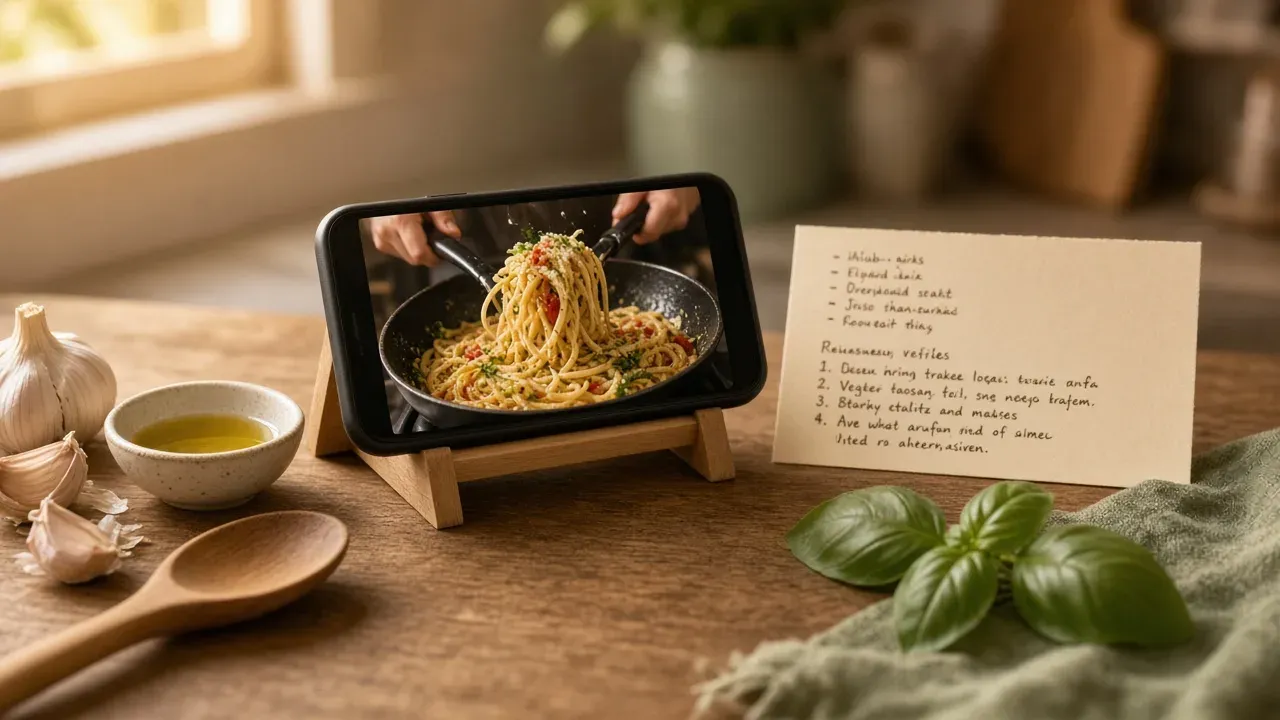
The best way to save recipes from TikTok depends on the video's format: screenshot text overlays, transcribe voiceovers, or use an app that converts the video into a written recipe automatically. Screenshots and bookmarks fail because they bury instructions in your camera roll, so match your method to how the recipe is actually presented.
Key takeaways
- Match your saving method to the video's format: screenshots for text overlays, transcription for voiceovers, and copying for caption-only recipes.
- Screenshots and saved links fail long-term because they bury instructions in your camera roll with no search function.
- Extraction apps like CookBuddy convert video and audio into searchable written recipes in under 3 seconds.
- Multi-part video series break single-video extraction tools, requiring you to manually merge separate recipe cards.
- Organize saved recipes using tags for cuisine and weekly role to make retrieval easier than using folders.
What are the different ways to get a recipe from a TikTok video?
There are three ways to get a written recipe out of a TikTok video: type it yourself while watching, save the video and hope you find it again, or use an app that pulls the recipe out of the video for you. Each one works differently depending on how the recipe is presented.
Method 1: Watch and type it yourself
Pause, rewind, and type the ingredients and steps into a note. It works for short videos where every step is shown or spoken clearly, but it falls apart on fast cuts and multi-part series where quantities are buried mid-video.
Method 2: Save the link or screenshot
TikTok lets you add videos to Favorites or share the link, and creators can allow downloads (TikTok Help Center). The problem: a link is a video, not a recipe. You rewatch it every time, and screenshots pile up in your camera roll with no search.
Method 3: Extract the recipe from the video with an app
Apps like CookBuddy convert the video itself into a written recipe with ingredients and steps, then file it in a searchable recipe box.
| Method | Time cost | Searchable later? | Survives deleted videos? |
|---|---|---|---|
| Type it yourself | 5-15 min | Yes | Yes |
| Link or screenshot | Seconds | Barely | No |
| App extraction | Seconds | Yes | Yes |
The how to save TikTok recipes guide covers bookmarking, downloaders, and link lists in more depth if you want the full method list.
Why does the video's format determine which method works?
A TikTok cooking video puts its recipe in one of three places: text on the screen, words spoken out loud, or the caption and comments. Where the information lives decides which saving method actually works, because each method reads a different part of the video.
Text-overlay videos
If the ingredients and steps flash on screen as text overlays, a screenshot or a screen recording captures them. The catch is pacing: fast-cut videos split one recipe across dozens of frames, so you end up with 20 screenshots and a stitching job. Tools that pull frames automatically handle this. The failure mode is simple: if the text scrolls past in half a second, manual saving misses it.
Voiceover videos
When the recipe exists only as spoken instructions, screenshots capture nothing. You need transcription: either a tool that converts the audio to text, or you typing it out while you replay the video. This is the format where link-saving apps look reliable but quietly save a video you will never cook from, because there is no written recipe inside it to extract. It is also the format where saving the link feels safest and works worst, because the app stores a video you will scroll past forever instead of a recipe you can cook from at the stove. Anything that claims to pull a written recipe from a voiceover video is transcribing audio, and transcription quality varies with background music, accents, and how fast the creator talks. If the tool transcribes "tablespoon" as "teaspoon," you find out mid-dinner, which is why a quick read-through against the video beats trusting any first pass.
Caption-only videos
Some creators keep the recipe in the caption or pin it in the comments, sometimes as a link to a blog. Here the video itself is decoration; the method that works is copying text, which is why "just save the link" often fails — the link points at the video, not the caption.
How do you save recipes from TikTok when the instructions are only spoken in the voiceover?
Screenshots and saved links both fail here for the same reason: the steps live in audio, not on screen. A screenshot captures the finished dish, and a bookmark just reloads the video, forcing you to scrub back to the 0:47 mark mid-cook with wet hands.
You have two workable options. The manual route: play the video at 0.5x speed, pause after each spoken step, and type it into a note. It works, but a 60-second voiceover recipe easily costs 10 minutes of pausing and typing.
The faster route is transcription-based extraction. Apps built for this convert the spoken audio into written steps automatically. CookBuddy handles voiceover videos from TikTok, YouTube, and Instagram, turning them into a written recipe in under 3 seconds, with a free cap of 15 recipes and Premium at $2.99/month (CookBuddy pricing).
Which method works best for fast-paced TikTok cooking videos with text overlays?
Fast-cut videos with stacked text overlays are the hardest case for manual note-taking. The ingredients flash on screen for a second or two, quantities sit inside a pile of captions, and pausing every frame turns a 60-second video into ten minutes of rewinding. Screenshots fail here too, because you end up with 15 images and no single written recipe.
Link-saving handles the speed problem but not the content problem: the link plays the video, it does not give you a recipe you can cook from at the counter.
Extraction built for this format is what works. A tool like CookBuddy converts the video into a written recipe in under 3 seconds, pulling quantities and steps out of the overlays so you get one searchable recipe instead of a screenshot pile.
Whatever tool you use, check two things in the result: every ingredient quantity survived the conversion, and the step order matches what you watched. Fast videos sometimes bury a step in a caption the tool misses, so a 30-second skim against the video catches it before you are mid-cook.
Is a free app to save recipes from TikTok reliable for multi-part video series?
Multi-part recipes break single-video extraction. If part 1 covers the dough and part 2 covers the bake, a tool that processes one video at a time gives you half a recipe, and free tiers usually make it worse: per-day or per-month caps mean you burn your limited extractions re-saving parts that should have been one recipe. The practical workaround is to save the link to every part first, then extract them together or paste the parts into one entry yourself.
Free apps also tend to store each video as a separate recipe, so your searchable recipe box ends up with "Focaccia Part 1" and "Focaccia Part 2" as duplicates. Paprika Recipe Manager handles multi-video saves by importing each link individually, so you would still merge them by hand. CookBuddy has the same limitation today: each video becomes its own recipe card, and combining parts is a manual copy-and-paste job. The same merging problem shows up when you save recipes from Instagram carousels, where one dish is often split across several posts.
Why do some TikTok recipe extraction tools fail and how can you manually fix them?
Extraction tools fail when the recipe never exists in a form the tool can read: the voiceover is buried, the amounts live only on screen, or the creator skips steps on camera. Knowing which failure you're looking at tells you what to patch by hand.
Music and background noise
Loud music or a busy kitchen drowns the voiceover, so transcription comes back with gaps or garbled guesses. Watch once with sound, then retype any instruction the tool missed. If the creator posted a caption or pinned comment with the recipe, copy that in directly.
Amounts shown only on screen
Some videos flash "1/2 cup" as a text overlay while the voiceover says nothing. Transcription can't capture what is never spoken. Pause on each ingredient shot and type the amounts into the ingredient list yourself.
Steps the creator never states
Creators assume you know to preheat the oven or drain the pasta, so those steps never appear in audio or text. After extraction, cook the dish once and add the missing steps in your own words. That first cook-through doubles as your test of whether the saved recipe actually works.
How do you organize and store saved TikTok recipes for long-term use?
Screenshots rot. They pile up in your camera roll with no search, no ingredients list, and no way to remember which video had the good weeknight chicken. A searchable recipe box fixes that: every saved recipe gets a title, ingredients, and steps you can pull up mid-cook.
Organization works best with two layers. Tag by cuisine (Italian, Thai, tacos) and by role in your week: quick weeknight dinners versus weekend meal prep. Tags beat folders because a garlic-butter pasta can be both "Italian" and "weeknight" without duplicate copies. For a fuller system, see how to organize recipes.
The main tools differ in how they store things. Mr. Cook saves recipes from video links and webpages into a searchable library with meal planning built in. Paprika stores recipes locally on your device with browser-based imports, which is why a decade-old library still opens fine. CookBuddy converts cooking videos from TikTok, YouTube, and Instagram into written recipes in under 3 seconds and applies 50+ dietary filters.
The honest gap: most tools, including CookBuddy, handle multi-part video series poorly, so keep those as saved links until extraction catches up.
Which method should you pick for how you actually cook?
If you cook from a saved video once and move on, screenshots plus the link in your notes app is fine. Just accept you'll rewatch the video at the stove.
If you and a partner split cooking and planning, the real pain is deciding what to cook, not saving the video. Pick a tool that turns videos into written recipes and keeps them searchable, so "what's for dinner" stops living in one person's head. CookBuddy fits here: it converts videos, photos, and webpages into recipes in under 3 seconds and works on iOS and Android.
If you're building a permanent recipe box, you need long-term organization: folders, search, and a library that survives phone upgrades. Paprika Recipe Manager is built for that depth. CookBuddy honestly trails on desktop and meal-prep planning today, so serious organizers should weigh that gap before committing.
FAQ
How do I save recipes from TikTok?
Match the method to the video's format. For text overlays, screenshot or use an extraction app. For voiceovers, use transcription or manually type at 0.5x speed. For caption-only recipes, copy the text directly. Screenshots and saved links alone bury instructions in your camera roll with no search.
How do I get the recipe from a TikTok video when it's only in the voiceover?
You have two options. Manually: play at 0.5x speed, pause after each spoken step, and type it into a note, which costs about 10 minutes for a 60-second video. Faster: use a transcription-based app like CookBuddy, which converts spoken audio into written steps in under 3 seconds. Always read the result against the video.
Is there a free app to save recipes from TikTok?
Yes. CookBuddy offers a free cap of 15 recipes, with Premium at $2.99/month. Free tiers come with tradeoffs: per-day or per-month extraction caps, and multi-part video series get saved as separate recipe cards you must merge by hand. Save the link to every part first, then extract them together to avoid burning free extractions.
Why did my recipe app get the wrong ingredients from a TikTok video?
Three common causes. Loud background music garbles the transcription, so retype anything the tool missed. Amounts shown only as text overlays are never spoken, so transcription cannot capture them and you must pause and type them in. Creators often skip obvious steps like preheating, so add missing steps after your first cook-through.
What's the best way to organize TikTok recipes I've saved?
Put them in a searchable recipe box with titles, ingredients, and steps, rather than leaving them as screenshots. Tag by cuisine and by role in your week, like quick weeknight dinners versus weekend meal prep. Tags beat folders because one dish can belong to multiple categories without duplicate copies.
tiktokrecipescookbuddyorganization
CookBuddy turns cooking videos, webpages, and photos into written recipes you can keep in one cookbook.