Best app to save recipes from Instagram: extract and print
· CookBuddy
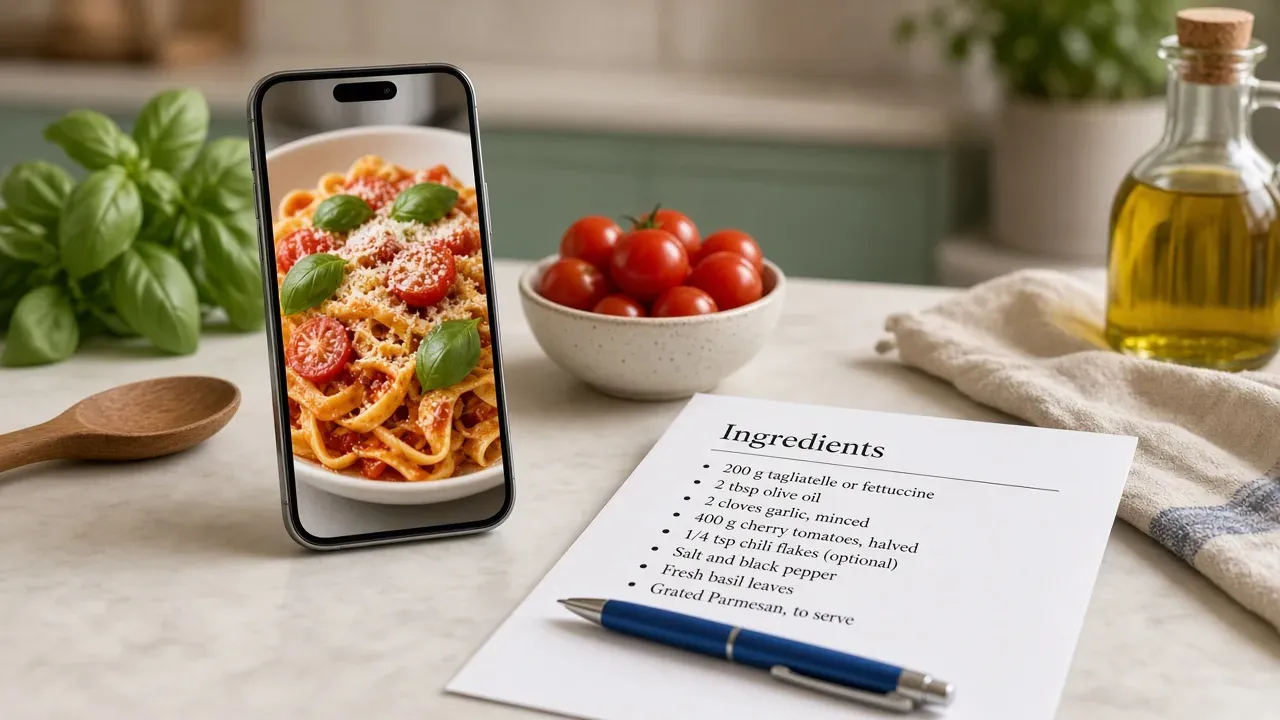
Use a recipe extraction app like CookBuddy to turn any Instagram cooking video or caption into a written recipe in seconds, then save, print, and download it as text. Saved posts and screenshots vanish into the camera roll; this gets the ingredients and steps into usable text that stays yours even if the post is deleted.
Key takeaways
- Bookmarking an Instagram recipe is insufficient because the post disappears if the creator deletes it or the account goes private.
- Recipe extraction apps read caption text, on-screen overlays, and spoken audio to assemble a written recipe in seconds.
- Always check extracted quantities and cook times against the video once, because creators often skip exact measurements.
- Printing or exporting the saved recipe as a text file ensures you keep the ingredients even if the original post is deleted.
- The same copy-and-paste extraction method works for TikTok, YouTube, and Pinterest cooking videos.
Why is bookmarking an Instagram recipe video not enough?
Bookmarking feels safe because Instagram keeps a "Saved" folder, but that folder is a list of links, not recipes. Instagram's own Help Center documentation on saving posts and collections confirms saved posts stay tied to the original account, which means the recipe vanishes if the creator deletes it or the post is removed.
Saved posts disappear, get deleted, or become unfindable
Even when the post survives, finding it again is the real problem. Saved collections are organized however you saved them, so "dinner ideas" becomes a scroll of 200 videos with no ingredient list, no search, and no way to remember which one had the good chicken marinade. The mental load of remembering "it was in my saved posts somewhere" is exactly what a searchable recipe box removes.
Screenshots bury the ingredients list in your camera roll
Screenshots fail differently: the ingredients are frozen inside an image you can't search, copy, or print. Three months later your camera roll holds forty recipe screenshots mixed with vacation photos, and retyping the steps from a paused video is nobody's idea of weeknight prep.
How do recipe extraction apps copy recipes from Instagram video captions?
Recipe extraction apps pull the ingredients and steps out of a saved post and turn them into written text. You share the Instagram video or link to the app, it reads the post, and a few seconds later you have a recipe you can search, edit, and print. The same approach works on TikTok and YouTube.
What the app reads: caption text, on-screen text, and spoken steps
Three places hide the recipe in a cooking video. The caption often holds a full ingredient list, so the app reads that text directly. On-screen text, like the ingredient overlays creators add shot by shot, gets picked up as written text in the video frames. Spoken steps get transcribed from the audio. CookBuddy reads all three and assembles them into one recipe in under 3 seconds, then files it in your searchable recipe box.
What still needs a manual check: quantities and cook times
Extraction is fast but not perfect. Creators say "a generous glug of olive oil" or skip the oven temperature entirely, and no app can invent that number. After saving, scan the quantities and cook times against the video once. Thirty seconds of checking means the recipe you cook in March matches what the creator actually made.
What is the best way to save recipes from Instagram for free without losing the ingredients list?
The best free method is three steps: copy the Instagram post link, paste it into a recipe extraction app, and check the saved ingredients list against the video before you cook. That last step matters because a screenshot of a caption or a half-heard voiceover is where ingredients get lost. Extracting the text gives you a list you can search, edit, and print instead of a buried saved post.
Step 1: copy the post link
Tap the share arrow on the reel or post and choose "Copy link." Do this while you are watching the video, not later, because creators sometimes delete posts or switch their account to private, and a private post returns no text at all.
Step 2: paste into a recipe extraction app
Open a recipe app that extracts from video links, paste the link, and let it pull the ingredients and steps into written form. In CookBuddy this takes under 3 seconds, and the same paste-a-link habit works for YouTube, TikTok, and Pinterest. Paprika Recipe Manager and Mr. Cook follow a similar paste-and-extract pattern if you are comparing options.
Step 3: check the ingredients list against the video
Extraction is fast but not perfect. Creators bury quantities in the caption, skip an ingredient in the voiceover, or write "1 cup, plus more to taste." Skim the saved list against the video once, fix any missing amounts, then save. Thirty seconds here is what keeps the recipe usable three months from now, when the post may be gone and the screenshot in your camera roll has no quantities.
Free-tier reality check: caps and limits
Most free tiers cap how many recipes you can extract per month, and some limit printing or export to paid plans. CookBuddy keeps every recipe you save and offers 50+ dietary filters, but if printing from your phone is the priority, check what the free plan allows before committing. Printing from an iPhone to an AirPrint printer works system-wide regardless of app, per Apple Support.
Which free app to save recipes from Instagram should you pick?
Comparison criteria: extraction, printing, offline access, price
Judge every app on four things: can it pull recipe text out of a video or caption, can you print the result, does the recipe work offline, and what does it cost. Here is how the main options stack up.
| App | Extracts from videos/captions | Printing | Offline access | Price |
|---|---|---|---|---|
| CookBuddy | Yes, from Instagram, TikTok, YouTube, Pinterest, photos | Yes | Yes, recipes kept forever | Free tier |
| Mr. Cook | Yes, imports from links | Yes | Yes | Free tier |
| CookBook Manager | Yes, imports from links | Yes | Yes | Free tier |
| Paprika Recipe Manager | Yes, imports from links | Yes | Yes | Paid, one-time |
| ReciMe | Yes, imports from links | Yes | Yes | Free tier |
Paprika is the veteran here, and one long-time user notes it holds a complete history of their recipes going back years, though the Mac app has visual bugs that have gone unfixed for years. That trade-off between depth and polish is real.
The fastest way to choose is to match the app to how you actually cook. If you save recipes from Reels while lying on the couch and then cook from your phone propped against the salt jar, a phone-first app like CookBuddy fits, because the extraction and the cooking happen on the same device. If you plan meals on a laptop on Sunday and print a week of recipes at once, Paprika's desktop apps and one-time license fit better, and the older interface matters less when you are batch-printing. If you cook from a mix of TikTok, YouTube, and Instagram and want one box for all of them, pick an app that transcribes spoken audio rather than reading captions only, because caption-only extraction drops the steps creators say out loud. Whatever you pick, run one real recipe through it before committing: paste a link, check the extracted list, print it, and see whether the result is something you would actually cook from.
How CookBuddy scores against its own criteria, including where it falls short
CookBuddy converts a cooking video into a written recipe in under 3 seconds, prints cleanly, and keeps every recipe offline forever, with 50+ dietary filters for organizing. Where it falls short: it is phone-first, so if you cook mostly from a laptop, Paprika's desktop apps fit better. It also has no dedicated meal-prep planner yet, a gap users have asked for directly. For saving from other platforms, see how to save recipes from social media.
How to print recipes from Instagram directly from your phone or computer?
Once a recipe is saved as text, printing it is the step that makes it survive a deleted post, a dead link, or a phone upgrade.
Printing from iOS and Android
On iPhone, open the saved recipe, tap the share icon, and choose Print. AirPrint sends it to any printer on the same Wi-Fi network. On Android, the process is nearly identical: tap the three-dot menu, choose Print, and pick your printer. Google documents the full Android printing steps, including adding a printer, in its support guide.
In CookBuddy, open the extracted recipe, tap share, and print the clean text version instead of a blurry screenshot. A printed page taped inside a cabinet door beats scrolling mid-dinner.
Printing from a computer after syncing or exporting
If you saved the recipe on your phone, export it as a text file or copy the ingredients and steps into a document, then print from your desktop browser. Paper is the one format that never disappears when a post does.
Can you download recipes from Instagram as an offline text file?
Yes, if the app exports recipes as text. A saved post dies when the creator deletes it or the account goes private, but a downloaded file keeps the ingredients and steps on your phone forever.
Export formats to look for
Check for plain text, Markdown, or PDF export before you commit to an app. Paprika Recipe Manager supports exporting your recipe collection, which matters if you have years of saved recipes you do not want to lose. CookBuddy keeps every recipe you convert, so a recipe pulled from a video stays readable even after the post disappears.
What to do if an app has no export
Copy the extracted text into your notes app, then print or save it as a PDF from there. It is a manual step, but it means no single app holds your weeknight dinners hostage.
How to save recipes from TikTok using the same text-extraction process?
The same three steps apply: copy the TikTok link, paste it into your recipe app, and let it pull the ingredients and steps from the caption and spoken audio. TikTok cooking videos tend to run longer than Instagram Reels, so apps like CookBuddy and Mr. Cook that transcribe the full video will give you a more complete recipe than caption-only extraction. The save recipes from TikTok guide covers platform-specific quirks in more depth.
Differences: longer captions, text-heavy overlays
TikTok creators often pack the whole recipe into on-screen text overlays instead of captions, which some extractors miss. If your result comes back with missing ingredients, check whether your app reads on-screen text; Paprika's importer relies on structured data and page text, not video frames. Otherwise, a quick screenshot of the ingredient overlay plus a manual paste fills the gap.
What features should a free app to save recipes from Instagram include?
Non-negotiables vs nice-to-haves
Before committing, check the non-negotiables: video and caption extraction from Instagram and TikTok, ingredients and steps saved as editable text, offline access, and printing or PDF export. If a free plan caps how many recipes you can save or hides printing behind a paywall, that defeats the point.
Nice-to-haves come after: dietary filters, meal planning, and a shared grocery list. CookBuddy covers the non-negotiables and adds 50+ dietary filters, but it lacks the meal-prep planning some readers ask for. Paprika Recipe Manager offers deeper planning but costs money up front. Pick based on which gaps you can live with.
FAQ
How do I save a recipe from Instagram for free?
Copy the post link, paste it into a recipe extraction app, and check the saved ingredients list against the video before you cook. That last check matters because creators bury quantities in captions or skip them in the voiceover. Thirty seconds of comparing keeps the recipe usable after the post disappears.
How do I copy a recipe from an Instagram video?
Use an app that reads the caption, on-screen text overlays, and the spoken audio, then assembles them into one written recipe. CookBuddy does this in under 3 seconds. No app can invent what a creator never states, so scan the quantities and cook times against the video once before saving.
How do I print a recipe from Instagram?
Save the recipe as text first, then on iPhone tap the share icon and choose Print, which sends it to any AirPrint printer on your Wi-Fi. On Android, tap the three-dot menu, choose Print, and pick your printer. Printing the clean text version beats scrolling through a blurry screenshot mid-dinner.
Can I download recipes from Instagram as a PDF or text file?
Yes, if the app supports export. Check for plain text, Markdown, or PDF export before committing, since a downloaded file survives deleted posts and private accounts. If your app has no export, copy the extracted text into your notes app and save it as a PDF from there.
Does the same method work for TikTok recipes?
Yes. Copy the TikTok link, paste it into your recipe app, and let it extract from the caption and spoken audio. TikTok creators often pack the whole recipe into on-screen text overlays, so pick an app that reads video frames, or screenshot the overlay and paste it manually.
instagramrecipescookbuddyprinting
CookBuddy turns cooking videos, webpages, and photos into written recipes you can keep in one cookbook.