Best Recipe App in 2026: Honest Comparison for Home Cooks
· CookBuddy
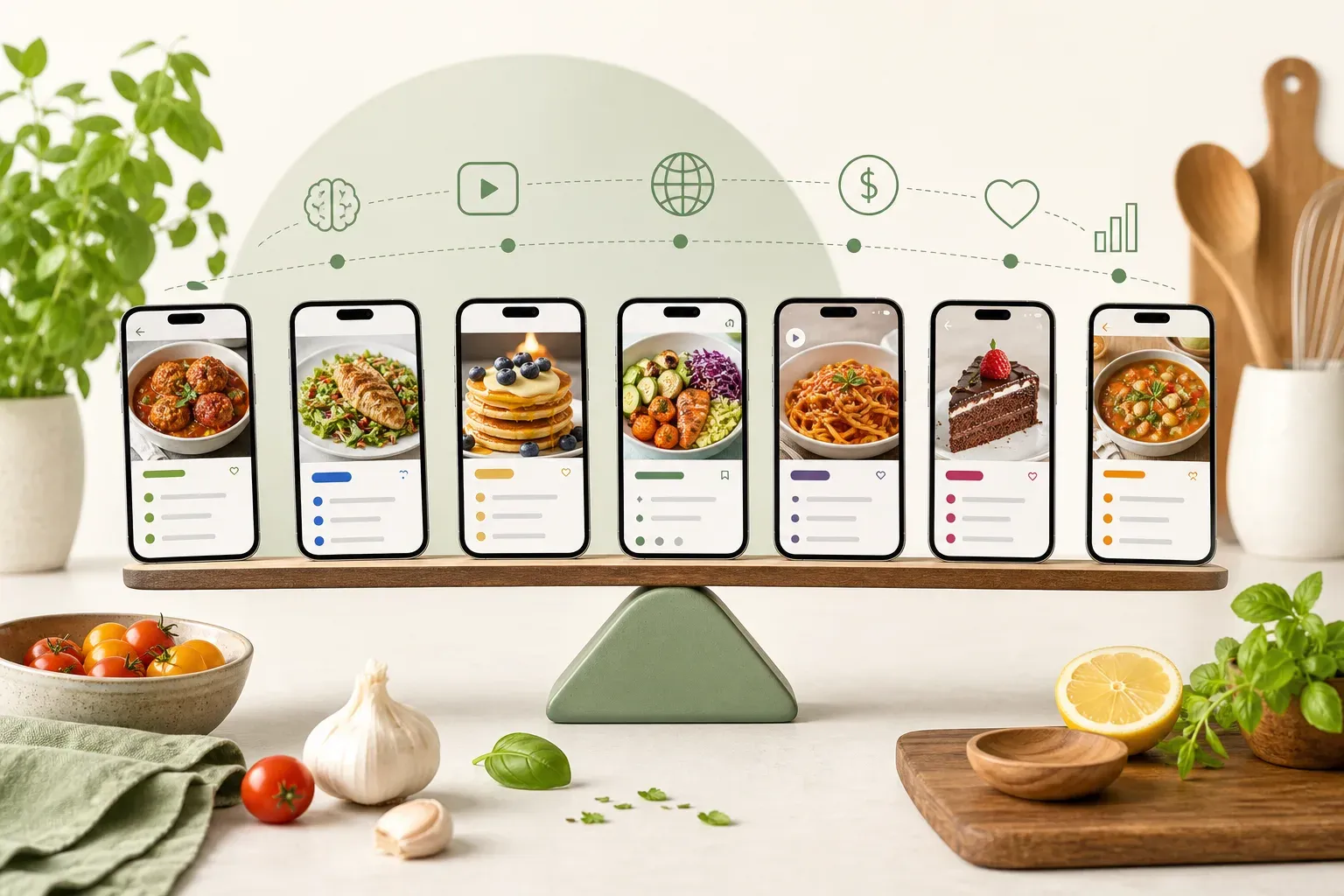
Finding the best recipe app in 2026 is harder than it should be. There are dozens of options, each promising to solve a slightly different problem, and most roundups just list features without telling you who each app actually suits. This guide cuts through that — covering the apps worth your time, what each one does well, where each falls short, and which type of cook each one fits best.
No filler. Just a straight comparison so you can pick the right tool and get back to cooking.
What Actually Makes a Recipe App Worth Using in 2026
The recipe app category has split into two distinct camps: apps built around social media video import and AI extraction, and apps built around traditional web clipping, meal planning, and grocery lists.
Which camp you belong to depends entirely on how you discover recipes.
If most of your finds come from TikTok, YouTube, Instagram, or Pinterest, you need an app that can pull a recipe directly from a video link. Saving the video to your camera roll doesn't help when you're standing at the stove. You need the ingredients listed, the steps written out, and the whole thing accessible without scrubbing through a 90-second clip.
If you mostly cook from recipe websites or physical cookbooks, a web clipper or manual entry app will probably serve you better.
The apps below cover both camps. Each is assessed on supported sources, AI extraction quality, storage permanence, pricing, and how much friction there is to get started.
The Apps Compared
CookBuddy
Best for: Home cooks who discover recipes on social media and want a permanent written library with no manual work.
CookBuddy takes one action to use: paste a link or upload a photo, and the app generates a formatted recipe with ingredients, equipment, and step-by-step instructions. That recipe is saved permanently in your personal CookBook, organized into folders you create, and stays there even if the original video gets deleted, the creator goes private, or the platform has an outage.
Supported sources include TikTok, YouTube, Instagram, Pinterest, and any recipe website. Photo upload is also supported, which covers printed recipes, handwritten cards, and screenshots.
The format is built for actual cooking. Ingredients and equipment have checkboxes. Steps can be tapped to cross off as you go. No rewinding, no keeping a browser tab open.
Free includes 5 imports per month and unlimited storage. Premium is $2.99 per month or $24.99 per year for unlimited imports. The annual plan saves $10 compared to paying monthly.
What CookBuddy doesn't do: meal planning, pantry tracking, grocery lists, nutritional data, or cooking streaks. If you want those features, another app on this list will suit you better. If you want a fast, clean recipe library built from your social media saves, CookBuddy is the most focused option available at the lowest confirmed price in this category.
Available on iOS and Android.
ReciMe
Best for: Cooks who want a large community and browseable recipe discovery alongside their saved recipes.
ReciMe has more than 1 million downloads and an active community of around 800,000 users, which gives it a social layer most recipe apps lack. You can save recipes from links and explore what other users are cooking.
The catch is the pricing model. ReciMe costs approximately $9.99 per month or $39.99 to $59.99 per year, and the paywall kicks in after just five saved recipes. If you're evaluating the app before committing, you'll hit that limit quickly. User complaints about recent price hikes are worth factoring in if you're comparing long-term costs.
For someone who values community and discovery features and is willing to pay for them, ReciMe makes sense. For someone who primarily wants to save their own social media finds without restrictions, the paywall structure is a real friction point.
Preplo
Best for: Cooks who want gamified motivation alongside video recipe extraction.
Preplo won the RevenueCat Shipyard 2026 Creator Contest, which gives it genuine product credibility. It offers cooking streaks and ingredient-level cost estimates — features that go beyond simple recipe saving and add engagement for users who want to track their cooking habits.
On the extraction side, Preplo supports YouTube, TikTok, and Instagram. Pinterest and recipe websites aren't supported, which is a meaningful gap if you save from those sources. Third-party comparisons have described its extraction as transcript-based, meaning it may miss recipe cues that appear visually in a video rather than being spoken aloud.
Pricing is $9.99 per month or $49.99 per year — the highest in this comparison.
If the gamification and cost-tracking features appeal to you and your recipe discovery stays within those three platforms, Preplo is a polished option. If you need broader source coverage or a lower price, it's harder to justify.
Pluck
Best for: Power users who want multiple AI extraction modes and are comfortable with opaque pricing.
Pluck supports six platforms and uses five different AI extraction modes, giving it flexibility for edge cases where a standard extraction might miss something. That depth appeals to users who want granular control over how recipes are pulled.
The friction is on pricing. Pluck doesn't publish its paid pricing publicly, which means you have to sign up before you know what you're committing to. Free users are capped at three extractions, so you can't properly evaluate the app before hitting a wall.
If you want maximum extraction configurability and don't mind navigating an opaque pricing process, Pluck has genuine depth. If transparent pricing matters to you, that's worth factoring in before you start.
Flavorish
Best for: Cooks who want instant nutritional data alongside their saved recipes.
Flavorish has accumulated more than 2 million saved recipes and provides automatic nutritional breakdowns — useful for anyone tracking macros or following a specific diet. None of the other apps in this comparison offer that.
The tradeoff is on extraction. Flavorish relies on text and image analysis rather than full video analysis, so it works well for recipe websites and photos but may not extract as accurately from TikTok or YouTube.
If nutritional information is a priority and most of your sources are websites or photos, Flavorish is worth a look. If video import is your main need, its extraction depth may leave gaps.
FoodiePrep
Best for: Cooks who want a full meal planning suite with supermarket delivery integration.
FoodiePrep is the most feature-heavy option here. It includes meal planning, pantry tracking, and supermarket delivery integration, and it runs on iOS, Android, and web. If you want one app to manage your entire food workflow from planning to shopping to cooking, FoodiePrep is built for that.
The caveat is onboarding overhead. All those features come with a heavier interface, and Google Play download numbers are modest relative to its feature claims — which may reflect the friction of getting started. If you want to paste a link and have a recipe in 30 seconds, that's not this app's workflow.
For organized home cooks who plan meals weekly and want grocery integration, it's a reasonable choice. For social media recipe savers, it's more app than the job requires.
Paprika 3
Best for: Cooks who primarily clip recipes from websites and want a one-time purchase.
Paprika 3 has been around since 2010 and remains one of the most trusted web clippers available. It's a one-time purchase ranging from $4.99 to $29.99 depending on platform — no subscription required. Its cross-platform support and long track record make it a reliable choice for anyone building a recipe library from traditional cooking websites.
What it doesn't do: social media video import, AI extraction, or any processing of TikTok or YouTube links. If your recipe discovery happens on social media, Paprika 3 won't help with that part of your workflow. If you cook almost entirely from websites and want to own your app outright, it's a solid, proven option.
Side-by-Side Comparison
| App | Video Import | Sources Supported | Price | Usage Caps | Meal Planning |
|---|---|---|---|---|---|
| CookBuddy | Yes | TikTok, YouTube, Instagram, Pinterest, websites, photo | Free or $2.99/mo | 5 imports/mo on Free | No |
| ReciMe | Yes | Multiple | ~$9.99/mo or $39.99–$59.99/yr | After 5 recipes | No |
| Preplo | Yes | TikTok, YouTube, Instagram | $9.99/mo or $49.99/yr | Not confirmed | No |
| Pluck | Yes | 6 platforms | Not published | 3 free extractions | No |
| Flavorish | Limited | Websites, photos | Not confirmed | Not confirmed | No |
| FoodiePrep | Not primary | Multiple | Not confirmed | Not confirmed | Yes |
| Paprika 3 | No | Websites only | $4.99–$29.99 one-time | None | No |
The Permanence Problem Nobody Talks About
One issue that rarely comes up in recipe app comparisons is what happens when the original content disappears.
If you save a TikTok to your favorites and the creator deletes it or goes private, the video is gone. Your save becomes a broken link. The same happens with Instagram posts, YouTube videos, and recipe websites that go offline.
Most apps that save a link to the original source are only as durable as that source. When the source disappears, so does your access.
CookBuddy handles this differently. When you convert a video or link, the app generates a full written recipe and stores it permanently in your CookBook. The original link is kept as a reference, but the recipe itself lives in your library regardless of what happens to the source. If you've ever opened your saved videos folder and found that a recipe you loved is just gone, that distinction matters.
Which App Should You Choose?
You discover recipes on TikTok, Instagram, or YouTube and want them saved as written recipes with no manual work: CookBuddy is the most focused option at the lowest confirmed price. Start at cookbuddy.ai.
You want a large recipe community and social discovery alongside saving: ReciMe suits you, but budget for the higher price and be aware of the five-recipe paywall during evaluation.
You want gamified cooking streaks and cost tracking: Preplo fits if your sources are limited to TikTok, YouTube, and Instagram and you're comfortable with the higher price.
You want maximum AI extraction configurability: Pluck offers real depth, but go in knowing you won't see pricing until after signup.
You want nutritional data automatically: Flavorish is the only option here that provides that.
You want full meal planning and grocery integration: FoodiePrep covers the most ground, though the onboarding is heavier.
You cook from websites and want a one-time purchase: Paprika 3 is the most proven option in that category.
No single app is the best recipe app for everyone. The right choice depends on where you find recipes, what you want to do with them after saving, and how much friction you're willing to accept. If you want that decision framed as a recipe-box purchase — import, offline access, pricing, and export — see best digital recipe box in 2026. If the split is free cap vs paid-once vs subscription, use the digital cookbook buyer’s guide. If the split is iPad, Android, self-host, or free-only, pick by setup in best recipe manager app 2026.
Frequently Asked Questions
What is the best recipe app for saving TikTok recipes in 2026? CookBuddy, Preplo, and Pluck all support TikTok video import and AI extraction. CookBuddy is the lowest-priced paid option at $2.99 per month for unlimited imports, and it also supports Pinterest and recipe websites — sources Preplo doesn't cover. Free includes 5 imports per month and unlimited storage.
Do recipe apps save recipes permanently if the original video is deleted? Most apps that save only a link to the original source will lose access if that source disappears. CookBuddy generates a full written recipe and stores it in your CookBook permanently, so the recipe stays accessible even if the original video or webpage goes offline.
How much do recipe apps cost in 2026? Prices vary significantly. CookBuddy Free includes 5 imports per month and unlimited storage; Premium is $2.99 per month or $24.99 per year. Preplo costs $9.99 per month or $49.99 per year. ReciMe costs approximately $9.99 per month or $39.99 to $59.99 per year. Pluck doesn't publish its paid pricing. Paprika 3 uses a one-time purchase model ranging from $4.99 to $29.99.
Which recipe apps support Pinterest? CookBuddy explicitly supports Pinterest as a source for recipe extraction. Preplo supports only YouTube, TikTok, and Instagram. Pluck supports six platforms, though its full platform list isn't detailed in publicly available comparisons. Paprika 3 doesn't support social media import of any kind.
Can I use a recipe app without a subscription? Paprika 3 offers a one-time purchase with no subscription. Pluck has a free tier limited to three extractions. ReciMe allows up to five saved recipes before requiring a paid plan. CookBuddy Free includes 5 imports per month and unlimited storage; Premium is $2.99 per month.
What is the difference between a recipe app and a recipe organizer? A recipe organizer typically stores recipes you enter manually or clip from websites. A recipe app with AI extraction — like CookBuddy, Preplo, or Pluck — goes further by automatically converting video content or links into structured written recipes without any manual transcription.
Is there a recipe app that also does meal planning? FoodiePrep is the most feature-complete option in this comparison for meal planning, including pantry tracking and supermarket delivery integration. Apps like CookBuddy, Preplo, and ReciMe focus on recipe saving and organization rather than meal planning. For household sharing, grocery-list sync, and family size, see the best family meal planning app in 2026.
The Bottom Line
The best recipe app in 2026 is the one that matches how you actually cook and where you find recipes. If social media is your main source and you want a permanent written library with no friction, CookBuddy is worth a close look. If you want meal planning, community features, or nutritional data, other apps on this list cover those needs.
Pick the tool that fits your real workflow — not the one with the longest feature list.
recipe appscookbuddyapp reviewcomparison
CookBuddy turns cooking videos, webpages, and photos into written recipes you can keep in one cookbook.