Paprika App Review: Honest Look at Strengths, Limits, and Alternatives
· CookBuddy
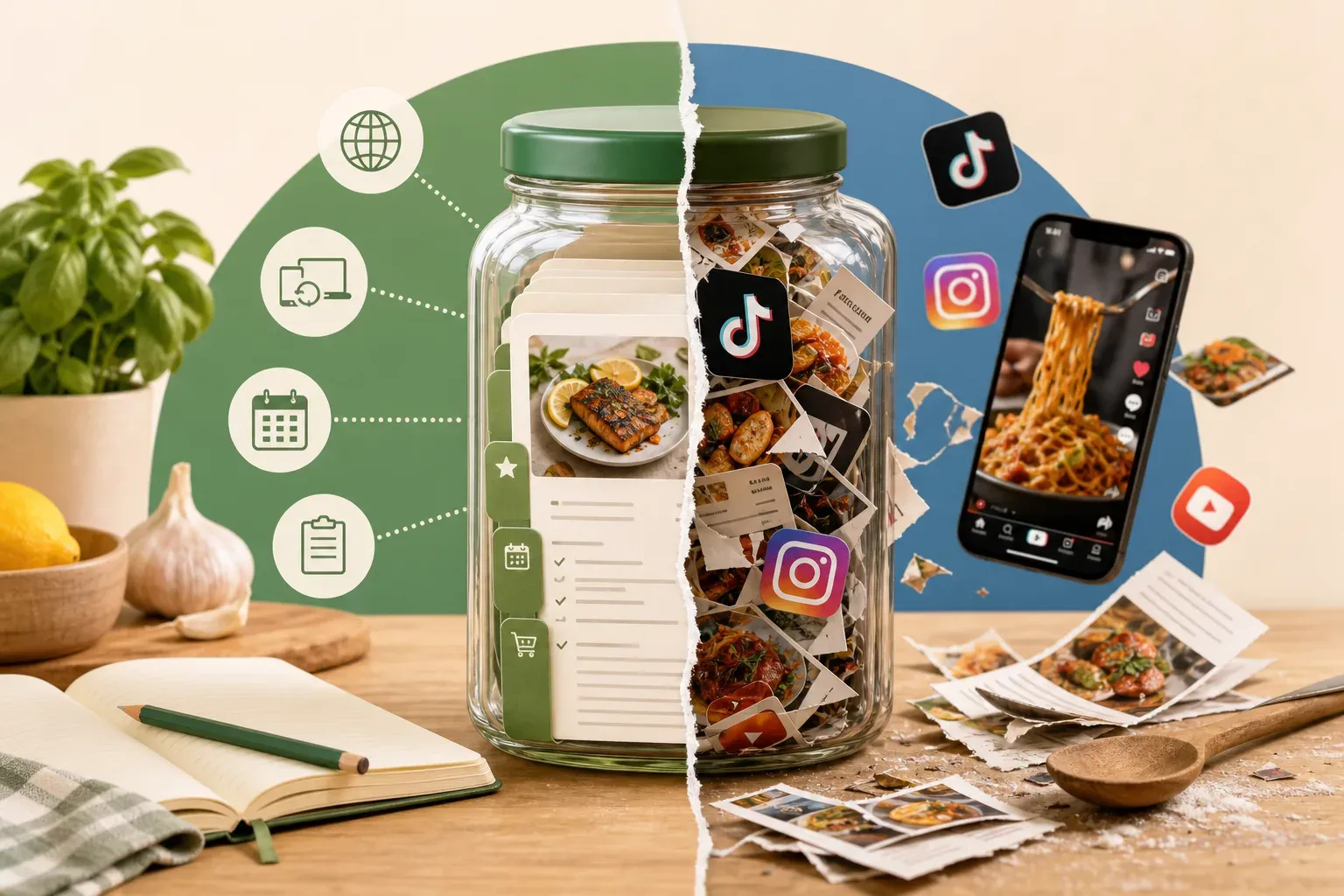
Paprika has been a go-to recipe manager for over a decade. Spend any time in recipe app communities and you'll see it recommended constantly — and for good reason. But the way people discover and save recipes has changed significantly since 2010, and understanding what Paprika does well today matters just as much as knowing where it runs out of road.
This review covers Paprika's genuine strengths, the real limitations you'll hit in 2026, and which alternatives are worth considering depending on how you actually cook and find recipes.
What Paprika Actually Does
Paprika 3 is a recipe organizer built around web clipping. You open a recipe website in the app's built-in browser, and Paprika scrapes the ingredients and instructions into a clean, structured format. From there, you can organize recipes into categories, build meal plans, generate grocery lists, and sync everything across devices.
The app runs on iOS, Android, Mac, and Windows. Pricing is a one-time purchase ranging from $4.99 to $29.99 depending on the platform — no recurring subscription.
For what it does, it does it reliably. The web clipper handles structured recipe sites well. Recipes are stored offline so they stay put. The interface is clean and functional without trying too hard.
Where Paprika Genuinely Shines
Web Clipping from Recipe Sites
If you cook primarily from established food blogs and recipe websites, Paprika's clipper holds up well. Sites that use structured recipe schema — most major food publications do — parse cleanly into a formatted recipe with ingredients and instructions properly separated. That's genuinely useful when you're standing at the stove.
One-Time Pricing
In a market that has moved almost entirely to subscriptions, paying once and owning the app permanently is a real differentiator. For anyone who already has a backlog of saved recipes they just want to organize, it's an appealing model.
Cross-Platform Sync
Paprika syncs across iOS, Android, Mac, and Windows through its own cloud service. If you browse recipes on a laptop but cook from a tablet in the kitchen, that workflow is well-supported.
Meal Planning and Grocery Lists
Paprika includes built-in meal planning tools and can generate grocery lists from saved recipes. For users who want that functionality in the same app as their recipe library, it's a reasonable all-in-one option.
Where Paprika Falls Short
No Social Media Video Import
This is the biggest gap — and in 2026, it's not a small one. A huge portion of recipe discovery now happens on TikTok, Instagram Reels, and YouTube Shorts. Paprika can't import from any of them. No video-to-recipe extraction, no link paste from TikTok, no photo upload. If you find a recipe in a 60-second TikTok, you're on your own. You'd have to transcribe it manually, which defeats the point of a recipe manager.
No AI Extraction
Paprika's clipper is a structured data scraper. It works when a webpage is formatted predictably. It doesn't use AI to interpret content, so it can struggle with non-standard recipe pages, video transcripts, or anything that doesn't follow a clean HTML structure.
The Saved-Post Problem
A lot of home cooks today save recipes across Instagram, TikTok, and Pinterest rather than bookmarking websites. Paprika has no answer for this at all. If your recipe discovery happens on social media — which for most people under 40, it does — Paprika's entire input method is misaligned with how you actually find food you want to cook.
Recipes Can Still Disappear
Paprika saves the text content of a recipe, so in many cases you do keep the recipe even if the source page goes down. But that depends entirely on whether the clipper captured everything correctly at save time. If a site restructures or the clip was incomplete, you may end up with a broken or partial save. There's no guarantee of complete, permanent preservation.
Who Paprika Is Actually Right For
Paprika makes sense if you discover recipes almost exclusively from structured recipe websites, you'd rather pay once than manage a subscription, you actively use meal planning and grocery list features, or you cook across multiple devices and want cross-platform sync.
It's a poor fit if you regularly save recipes from TikTok, Instagram, YouTube, or Pinterest, you want to capture recipes from photos or screenshots, you expect AI-assisted extraction from unstructured sources, or you want guaranteed permanent storage regardless of what happens to the original content.
Alternatives Worth Considering
For Social Media Recipe Saving: CookBuddy
If a meaningful share of your recipe discovery happens on social platforms, CookBuddy is built specifically for that workflow. Paste a link from TikTok, YouTube, Instagram, or Pinterest — or upload a photo — and the app generates a formatted written recipe with ingredients, equipment, and step-by-step instructions. No manual transcription, no rewinding.
The key difference from Paprika is source-independent storage. Recipes live in your personal CookBook permanently, even if the original video gets deleted or the creator goes private. That's a real problem anyone who saves cooking content on TikTok has probably already run into.
CookBuddy also includes an interactive recipe format with checkboxes on ingredients and equipment, and tap-to-cross-off instructions while you cook. Free includes 5 imports per month and unlimited storage. Premium is $2.99 per month or $24.99 per year — that's $10 less than paying monthly — for unlimited imports.
It doesn't do meal planning or grocery lists. It's a focused recipe extractor and personal CookBook, which is exactly what some people need and exactly what others won't.
For a Feature-Heavy All-in-One: ReciMe
ReciMe has over a million downloads and positions itself as a full recipe organizer with a broader feature set than Paprika. The trade-off is cost — around $9.99 per month or $39.99 to $59.99 per year — and user reviews frequently mention aggressive paywalls after only a handful of saved recipes on the free tier.
For Gamified Cooking Habits: Preplo
Preplo won the RevenueCat Shipyard 2026 Creator Contest and layers in cooking streaks and ingredient-level cost estimates. It supports YouTube, TikTok, and Instagram, but not Pinterest or recipe website clipping. Pricing is $9.99 per month or $49.99 per year. If the gamification angle appeals to you and you cook primarily from those three platforms, it's worth a look.
Paprika vs. CookBuddy: A Quick Comparison
| Feature | Paprika 3 | CookBuddy |
|---|---|---|
| Web recipe clipping | Yes | Yes |
| TikTok / Instagram / YouTube import | No | Yes |
| Pinterest import | No | Yes |
| Photo upload | No | Yes |
| AI extraction | No | Yes |
| Permanent offline-safe storage | Partial | Yes |
| Meal planning | Yes | No |
| Grocery lists | Yes | No |
| Pricing model | One-time ($4.99–$29.99) | Free or $2.99/mo |
| Platforms | iOS, Android, Mac, Windows | iOS, Android |
The Honest Verdict
Paprika is a well-built app that has earned its reputation. If you cook from recipe websites and want a reliable, one-time-purchase organizer with meal planning included, it's a solid choice that has genuinely stood the test of time.
The issue is that it was designed for a recipe discovery workflow that has fundamentally shifted. Most home cooks in 2026 are finding recipes on social media, not just food blogs. Paprika has no answer for that — no video import, no AI extraction, no photo capture. That's not a flaw so much as a deliberate scope. But it does mean Paprika is increasingly a partial solution for a lot of people.
If your saved recipes are scattered across TikTok bookmarks, Instagram saved posts, and YouTube watch-later lists, you need something built for that reality.
Frequently Asked Questions
Is Paprika still worth buying in 2026?
For users who primarily save recipes from structured recipe websites and want a one-time purchase with meal planning tools, yes. It remains a reliable option for that specific workflow. If you save recipes from social media video platforms, it won't meet your needs.
Does Paprika work with TikTok or Instagram?
No. Paprika has no ability to import recipes from TikTok, Instagram, YouTube, or Pinterest. It's a web clipper designed for recipe websites and doesn't support social media video extraction.
What is the best Paprika alternative for TikTok recipes?
CookBuddy is built specifically for this use case. Paste a TikTok link and it generates a formatted written recipe stored permanently in your CookBook. It also works with YouTube, Instagram, Pinterest, any recipe website, and photo uploads.
Does Paprika save recipes permanently?
Paprika saves recipe text locally and syncs it to its cloud, so in many cases the recipe is preserved even if the source page goes down. But the completeness of that save depends on how well the original page was clipped. It doesn't guarantee permanent storage independent of the original source.
How much does Paprika cost?
Paprika 3 is a one-time purchase ranging from $4.99 to $29.99 depending on the platform. There is no subscription.
What does CookBuddy cost compared to Paprika?
CookBuddy Free includes 5 imports per month and unlimited storage; Premium is $2.99 per month or $24.99 per year. Paprika is a one-time purchase of $4.99 to $29.99 per platform. If you use multiple platforms, Paprika's total cost adds up. CookBuddy's subscription covers both iOS and Android under one membership.
Can I use both Paprika and CookBuddy?
Yes. Some users keep Paprika for web-clipped recipes from food blogs and use a separate app for social media video recipes. That said, if you want everything in one place, choosing an app that handles all your input sources is the simpler path.
Paprika is a good app for the problem it was designed to solve. The question is whether that problem matches yours. If you want a recipe manager that keeps pace with where food content actually lives today, CookBuddy is worth a look.
recipe appspaprikacookbuddyapp review
CookBuddy turns cooking videos, webpages, and photos into written recipes you can keep in one cookbook.